
Key takeaways
- DTG printing is eco-friendly, uses water-based inks, and works like a giant inkjet printer for clothing.
- DTG printing is best for 100% cotton and high cotton blends.
- DTG printing provides high-resolution, retail-quality prints with excellent color vibrancy.
- From small businesses to entrepreneurs, print single shirts or test new designs without setup costs or MOQs.
- The best way to start your custom apparel business using DTG printing is to integrate with a product personalizer app.
The custom apparel market is growing rapidly, and DTG (Direct-to-Garment) printing is a key reason why selling single personalized products has become cost-effective. It removes inventory risk and eliminates minimum order requirements, making it ideal for modern e-commerce businesses. Compared to other popular printing methods (e.g., DTF, screen printing, or heat transfer), DTG stands out for producing vibrant, highly detailed designs directly on fabric.
Whether you’re launching a custom apparel brand or planning for a dropshipping business, DTG offers the flexibility and precision you need. That's why small businesses and creators love this method.
In this article, we’ll break down everything you need to know about Direct-to-garment printing, benefits and limitations, and how you can start a custom apparel business using this method. Let’s dive in!
What is DTG (direct-to-garment) printing?
DTG (direct-to-garment) printing is a digital printing process that uses water-based inks to imprint designs directly onto fabric using specialized inkjet technology. It is a direct printing method and popular for high-detail, multi-color, or photographic designs on cotton garments. Unlike screen printing or heat transfer, DTG is faster to set up, less labor-intensive, and ideal for on-demand, small batch, or complex production.
In short,
-
DTG allows custom businesses to create highly detailed designs in bright, vivid colors, gradients, and photos.
-
Customers love DTG products for high-detail artwork, comfort wear, and soft-touch prints.
-
From Etsy sellers to Shopify POD stores, DTG printing is preferred.
-
DTG printers have no minimum order requirements and take less production time.
-
Sustainable solution for printing various textiles.
How does DTG printing work for every custom order?
Direct-to-Garment (DTG) printing works as a giant inkjet printer for clothing, spraying water-based inks directly onto fabric for high-detail, full-color, and on-demand custom orders. The printing process starts with digital design preparation that is personalized and ordered by your customers from your store. After that, you send the file to a DTG printer for production.
The direct-to-garment printing setup involves three steps:
-
1. Garment pre-treatment
This process is essential because it allows multi-color designs to be printed with DTG inks, enhancing print quality and preventing color fading after washing. The DTG printers use two common methods:
-
Hand spraying (sprayed manually in smooth, even passes to fully cover the printing area) and
-
Prepping machine (automated device ensures uniform coating and consistency, ideal for small businesses scaling up production)
2. Printing process
After pre-treatment is complete and dried, the garment is placed onto the DTG printer, where the digital design printing begins.
-
White ink underbase is printed first for dark shirts and garments to enhance the final design appearance.
-
Use a mix of cyan, magenta, yellow, and black inks to recreate intricate, full-color designs directly onto the fabric.
-
Advanced printers also use multiple nozzles and automated calibration to maintain design consistency.
3. Curing process
After printing is done, the garment is heat-cured using a heat press or conveyor dryer. This process ensures the durability of the ink on the fabric. It remains bright and durable even after multiple washes. Heat curing also gives the print a smooth finish and prevents fading or cracking.
What are the advantages of DTG printing?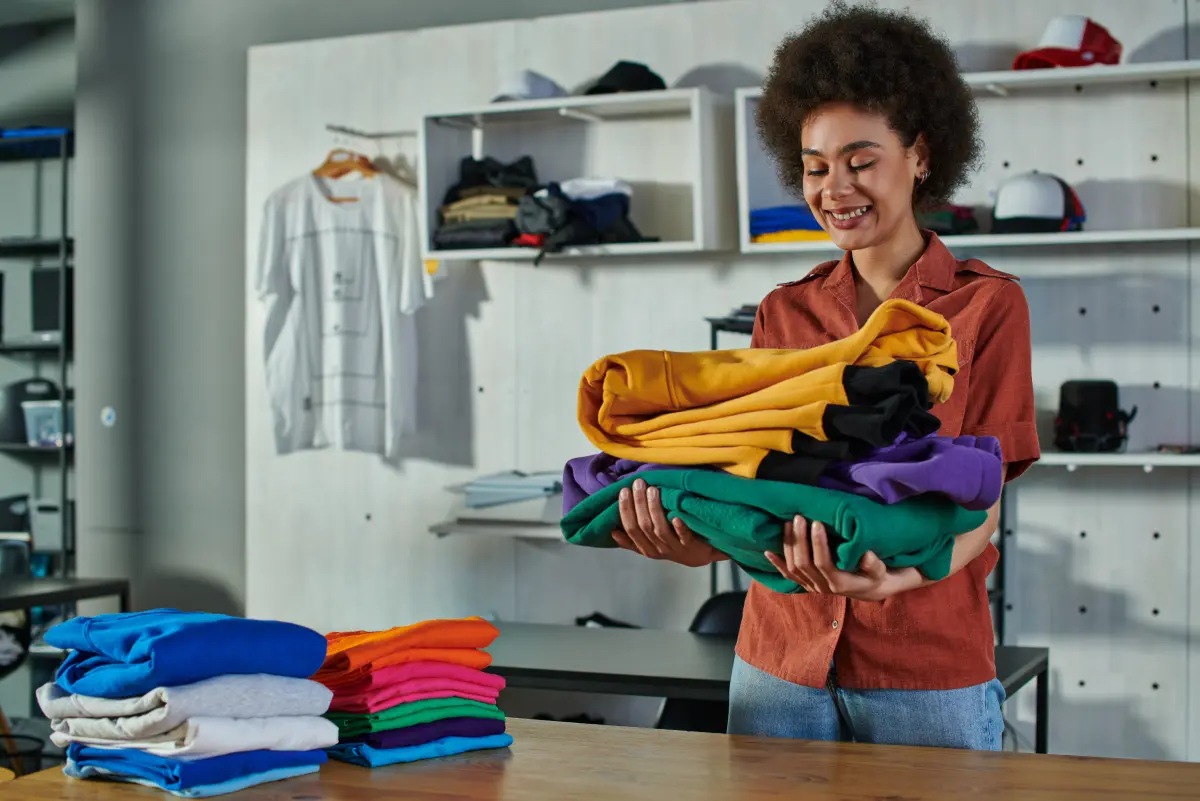
DTG printing is a leading choice for custom apparel and print-on-demand (POD) businesses for its full-color, on-demand printing and flexibility. The key advantages of DTG printing include:
✅High-quality, vivid color prints: Produces photo-realistic prints with smooth gradients and fine details. Effective for complex artwork, illustrations, and multi-color designs.
✅Minimal/No setup required: Unlike screen printing, DTG does not require screens, plates, or extensive setup. No separate screens or stencils for each color are needed.
✅No minimum order quantity: Print a single item at a time. Ideal for custom product stores, personalized merchandise, and POD models where each order is unique.
✅Eco-friendly: DTG inks are water-based and non-toxic, compared to traditional printing chemicals.
✅Fast production times: Require minimum setup costs, best for businesses to test new designs without producing a bulk inventory.
✅Soft & durable prints: Unlike heat transfers, DTG prints are absorbed into the fabric, resulting in a soft-to-the-touch finish.
✅Supports full customization: This printing method is perfect for personalization (e.g., names, images, quotes, or customer-generated designs).
What are the disadvantages of DTG printing?
 Some cons of direct-to-garment printing include:
❌Fabric limitation: This method is best for 100% cotton garments and some cotton-polyester blends. But not ideal for high polyester or heavily textured fabrics.
❌Limited design placement: Restrict design placement to flat areas and not suitable for complex placements (e.g., seams, sleeves, zippers, or in unconventional locations)
❌Printer maintenance & costs: DTG printers require regular maintenance to prevent clogs, maintain print quality, and ensure even ink distribution, which might increase operational costs.
Is DTG Printing the Right Choice for Custom Product Businesses?
Yes, DTG printing is the right choice for on-demand, low-volume, and multi-color custom apparel businesses. Also, its primary advantages include no minimum order quantities (MOQs), rapid turnaround for individual pieces, and others.
Other benefits you get:
-
No minimums & high customization: You can print single items, allowing you to offer a vast catalog without carrying inventory.
-
Complex & full-color designs: DTG uses inkjet technology to print unlimited colors, intricate details, and photographic images with high precision.
-
Fast turnaround & flexibility: Quick setup times enable rapid production, often allowing same-day fulfillment, which is essential for custom gifts or merch.
-
Soft hand feels: The DTG ink is absorbed directly into the fabric, the print feels soft and high-quality, not heavy like plastisol prints.
However, there are also some drawbacks, like DTG is less cost-effective for large bulk orders and works best on 100% cotton or high-cotton blends.
What are the Differences Between DTG and Other Printing Techniques?
The key differences between DTG and other printing methods are as follows:
DTG vs Sublimation Printing
As you know, DTG uses water-based ink, while sublimation printing uses heat to turn dye into a gas that bonds with polyester fibers, ideal for synthetic materials.
For more details, go through the comparison table below:
| Key Features |
DTG Printing |
Sublimation Printing |
| Fabric/material |
DTG works on cotton and cotton blends |
Sublimation requires polyester or poly-coated surfaces |
| Color limitations |
DTG works on any color (using white ink for dark garments) |
Sublimation works best on white or light-colored polyester |
| Feel/Durability |
DTG prints soft and may fade over time if not cured properly |
No feel and high durability doesn’t crack or peel |
| Production cost |
Higher compared to sublimation |
Lower for bulk production |
| Best use cases |
Custom t-shirts, detailed graphics, small orders, cotton apparel |
Activewear (polyester), mugs, hard goods, all-over prints |
DTG vs Screen Printing
DTG functions like an inkjet printer, while screen printing uses stencils for each color. Screen printing is ideal for large bulk orders (20+ pieces) requiring high durability, vibrant colors, and lower costs per unit.
For more details, go through the comparison table below:
| Key Features |
DTG Printing |
Screen Printing |
| Color capability |
Unlimited colors, gradients, and photo prints |
Limited colors per design (each color needs a screen) |
| Setup cost |
Low compared to screen printing |
High |
| Turnaround time |
Fast for single or small orders |
Slower setup, but fast for bulk orders |
| Fabric |
100% cotton |
Cotton, blends, polyester |
| Scalability |
Ideal for on-demand |
Ideal for mass production |
DTG vs DTF
DTG (Direct-to-Garment) prints ink directly into the fabric, making it ideal for soft, detailed prints on cotton. On the contrary, DTF (direct-to-film) prints a design onto a film and then transfers it onto the fabric, allowing it to work on a wider range of materials.
For more details, go through the comparison table below:
| Key Features |
DTG Printing |
DTF Printing |
| Print method |
Ink is sprayed directly onto fabric |
Design is printed on film, then heat-transferred |
| Fabric |
Best on 100% cotton |
Works on cotton, polyester, blends, and more |
| Color |
High on light garments, moderate on dark |
Very vibrant on all fabric types |
| Setup complexity |
Requires pretreatment and calibration |
No pretreatment needed |
| Use cases |
Premium cotton apparel, detailed artwork |
Versatile custom apparel, mixed fabrics |
DTG vs Heat Transfer
Heat transfer applies a pre-printed design onto the surface using heat and pressure, creating a more layered feel.
For more details, go through the comparison table below:
| Key Features |
DTG Printing |
Heat Transfer |
| Fabric type |
Great detail & gradients |
Good, but limited for complex gradients |
| Fabric feel |
Soft & smooth |
Slightly raised or layered |
| Ideal use |
Custom, on-demand apparel |
Small runs, logos, simple designs |
| Production speed |
Moderate |
Fast for small production |
DTG vs Embroidery
DTG is best for complex, colorful artwork, whereas embroidery printing creates textured designs by stitching thread into the garment.
For more details, go through the comparison table below:
| Key Features |
DTG Printing |
Embroidery |
| Printing Method |
Ink is directly sprayed onto fabric |
Designs are stitched using thread |
| Color range |
Unlimited colors and gradients |
Limited thread color palette |
| Texture |
Smooth, no raised texture |
Raised, textured, 3D feel |
| Durability |
Good, but may fade without proper care |
Extremely durable and long-lasting |
| Use cases |
T-shirts, custom artwork, and photo prints |
Polo shirts, uniforms, caps, and branding logos |
What fabrics are best for DTG printing?
100% combed and ring-spun cotton is the best fabric for DTG printing, offering the highest-quality, most vibrant, and most durable prints. Other ideal fabric types are as follows:
-
1. 100% cotton (best overall choice): Excellent ink absorption, soft print feel, and strong wash durability. The best cotton options are: Ringspun cotton, combed cotton, organic cotton, and premium heavyweight cotton. Top DTG-ready products are classic t-shirts, cozy configurable hoodies, and so on.
-
2. Cotton-blend fabrics: cotton-poly blends work well for DTG. But the colors may appear slightly less vibrant compared to pure cotton. The ideal blend ratios are:
-
-
80% cotton/20% polyester and
-
65% cotton/35% polyeste
-
Fabrics to Avoid for DTG Print
100% polyester synthetic fabrics, and materials with high synthetic blends (>20%) are prohibited for DTG print. Below, we’ve discussed in detail:
-
100% polyester: Polyester is generally not ideal for DTG printing because it does not absorb water-based ink efficiently.
-
High synthetic blends: Fabrics with more than 20% polyester (e.g., 50/50 blends) often yield inconsistent, dull, or "vintage" washed-out results.
-
Performance or moisture-wicking fabrics: Materials designed to repel water (like athletic wear, jerseys, or Teflon-coated items) can interfere with ink absorption and print clarity.
-
Nylon & synthetic fabrics: These plastics do not hold ink because they are highly stretchy.
-
Silk & satin: Too delicate for the high heat required to cure the ink.
Color considerations for DTG print
Proper DTG color management prevents dull, washed-out, or shifted colors, as DTG requires specific color modes (CMYK), not RGB (digital screens). Key color considerations for direct-to-garment are as follows:
-
Color Matching (RGB vs. CMYK): Most digital designs are created in RGB color mode, while DTG printers use CMYK-based inks. Some bright neon greens, pinks, and oranges appear dull. So, use realistic colors, soft-proof designs, and avoid overly fluorescent colors.
- Garment Color Impact: Light-colored garments produce accurate, bright colors because the ink sits directly on the fabric. Dark garments require a white underbase layer before printing to ensure colors appear vibrant. But it might affect softness, texture, and color accuracy.
- Color Shifts: Common issues include blue turning slightly purple, grays showing a warmer tint, and skin tones appearing more orange.
- Fine details & transparency: Very thin lines, transparent effects, and subtle shadows may not print exactly as displayed digitally. To avoid this, use high-resolution artwork, avoid ultra-thin details, increase contrast, and use transparent backgrounds.
- Color consistency: Humidity, garment batch differences, printer calibration, and ink levels can affect color consistency between print runs.
- Prototyping: Test print a sample to check color accuracy, especially for large production runs.
|
Note: To make designs stand out, increase contrast and saturation by 10-20 points in design software before submitting. |
Design placement considerations for DTG print
Optimal DTG design placement requires positioning graphics 2-4 inches below the collar for full-fronts. So, it’s ideal to maintain at least a 1-inch gap from garment edges. Key DTG printing design placement considerations are highlighted below:
-
Full front print: Place the top of the design 2-3 inches below the collar for small/medium shirts. And 3-4 inches for larger sizes to avoid the “belly print” effect.
-
Left chest/Pocket logo: Position 3-4 inches wide, centered with the outside edge of the collar, and roughly 3 inches down from the neckline.
-
Back print: It is paired with front chest logos or minimalist front designs. So, position the design below the neck seam.
-
Avoid uneven surfaces: Keep designs away from zippers, heavy seams, and ribbed collars because the print head needs a flat surface to maintain image quality.
Design size: Adjust design sizes to the garment, like a 12-inch wide print is best for an XL, and 3-4 inches is ideal for standard chest logos.
Common DTG Printing Mistakes (& How to fix Them)
|
💡Color & Design Styles to avoid:
|
Common DTG Printing Mistakes (& How to Fix Them)
Common Direct-to-Garment (DTG) printing problems include clogged print heads, white ink settling, poor pretreat application, and faded prints. Key DTG printing problems and solutions are as follows:
-
1. Improper pre-treatment application: Too little, too much, or uneven pre-treatment (pre-treat) leads to faded or white-colored prints.
|
How to fix: Use an automatic machine for consistent application, or an HVLP sprayer for even coverage to ensure it is fully dry before printing. |
-
2. Low-resolution artwork: Low-quality artwork causes blurry, pixelated, or poor-quality prints onto apparel.
|
How to fix: Use vector files or PNGs at a minimum of 300 DPI (dots per inch) for all designs. |
-
3. White ink settling on dark garments: White ink is thick and settles quickly, leading to clogs or thin white prints.
|
How to fix: Gently shake the white ink daily to prevent settling and keep humidity levels stable. |
-
4. Cracking or peeling after washing: Inadequate time or temperature in the heat press causes the ink to wash out or crack.
|
How to fix: Follow manufacturer guidelines for heat press time and temperature (around 330–350°F / 165–175°C for 30–60 seconds). |
-
5. Misaligned garment loading: Improperly loading the garment onto the platen causes skewed or misplaced designs.
|
How to fix: Ensure the fabric is flat, aligned straight, and correctly positioned to avoid crooked prints. |
-
6. Incorrect file format (no transparency): Using JPEGs instead of PNGs creates a white or black box around the design.
|
How to fix: Must use PNG files with transparent backgrounds. |
-
7. Ignoring color setting: Designing in RGB (screen color) when the printer needs CMYK (printer color) results in inaccurate colors.
|
How to fix: Convert files to CMYK, or use the printer’s RIP software to color-match before printing. |
-
8. Incorrect Humidity:-nk dries too quickly, causing clogged heads.
|
How to fix: Maintain a humidity level of 40% to 80% and a temperature of 65°–80°F, using a humidifier if necessary. |
How to Start a Custom Apparel Business Using DTG printing?
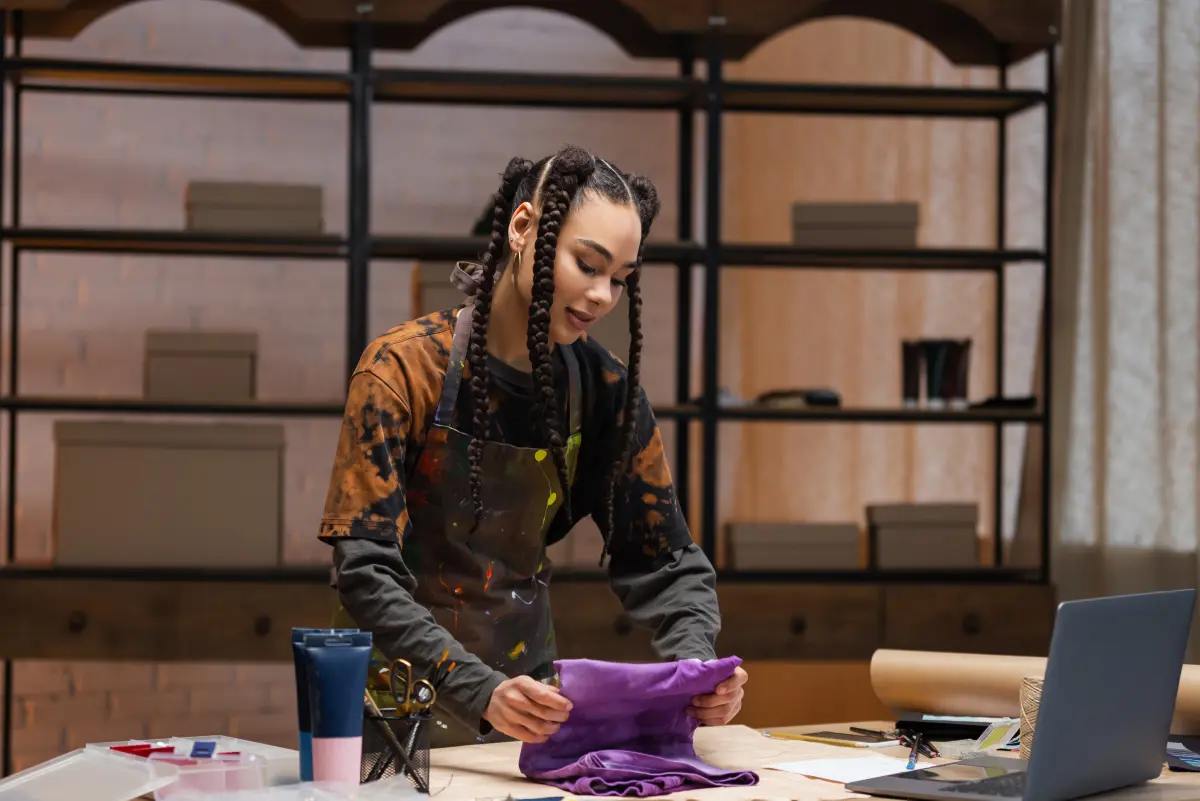 Starting a custom apparel business with DTG (direct-to-garment) printing allows you to sell highly personalized, full-color apparel with low inventory risk and flexible order quantities. Here’s a step-by-step roadmap to launch successfully.
-
Choose your business model
Before investing in product sourcing, choose how your business produces and fulfils orders. With this, you can perfectly determine your startup cost, avoid business risk, operational complexity, and your realistic timeline for first revenue.
So, start by deciding on one of three DTG business models:
1. Print-on-demand (POD): You sell products online without holding inventory, and a POD partner handles printing and shipping after each order. Also, orders are printed only after purchase.
Best for: Beginners and e-commerce sellers who want low upfront cost and fast launch.
2. In-house DTG production model: You invest in DTG printers and handle fulfillment yourself. Higher profit margin per product, but requires production space and technical setup.
Best for: Scaling brands and high-volume sellers.
3. Hybrid model: Start with POD, then move the best-selling products in-house later. It reduces risk while allowing scaling.
Best for: All merchant types.
-
Select a profitable garment niche
Instead of selling “custom t-shirts”, focus more on your specific audience and what they really want to buy. By doing so, your word-of-mouth marketing becomes stronger and improves conversion rates because the product feels made for them, not made for everyone.
For example:
-
Fitness or gym apparel
-
Streetwear or fashion drops
-
Corporate and team branding
-
Personalized gifts (names, quotes, photos, birth dates, etc.)
-
Event-based merchandise (weddings, festivals, etc.)
|
💡Tips:
|
-
Set up your online store
Your e-commerce store is your sales engine. It should be optimized for product customization and conversion, not just product listing. Compared to other e-commerce platforms, Shopify is the best for a DTG custom apparel business for its smooth app integration, payment, order, and POD providers accessibility.
However, you can hire a developer or create your store from scratch. With Shopify, the store creation is easy, and no coding skills are required. All you need to do is:
-
Choose from a free or paid Shopify store theme first.
-
Get a custom domain (cost $14 per year through Shopify).
-
Configure Shopify payments.
-
Set shipping timelines (e.g., five business days to print & ship).
-
Create clean product pages with mockups (front, back, variants).
-
Enable a real-time personalization experience.
Note: When you offer a custom product, customers don’t just want to buy. They want to design their own product.
-
Integrate your store with a Product Customizer app
-
To streamline and ensure smooth personalized orders, you must integrate with a product configurator app, such as InkyBay Product Personalizer. This personalized app not only gives customers a live design experience but also helps merchants set print restrictions and so on.
What the configurator app enables:
-
Customer design interface: InkyBay offers several product options and custom design elements, such as text, clipart, logos, image upload, fonts, colors, and more. If your product has multiple parts/panels, you can offer customers a customization experience with a real-time preview. [Note: InkyBay has its design tool, DesignLab, enabling customers to design and preview.]
-
Set custom product print: You can set a custom product price based on colors, size, texture, and other factors.
-
Print area: You can upload a custom-shaped print area or define a bleed or mark area to match your print provider’s exact printable area specifications. Also, if you want, you can add dynamic pricing to the print area and styles.
-
Dynamic print area pricing: From setup costs for each color, uploaded graphics, full-color photo print price, or text character, you can set specific pricing. Also, you can set:
-
Price per color
-
Price per size range
-
Multiple panels/parts style price
-
Resolution enforcement: DTG requires a minimum of 150 DPI at print size. With InkyBay, you can easily set a warning message to ensure customers upload high-quality images.
-
Pre-designed templates: You can upload niche-specific design templates, or customers can choose from InkyBay’s clipart libraries or pre-designed templates. It gives customers design flexibility and ensures a higher purchase rate.
-
Automated order file: When a customer places an order, you can download design files and send them straight to your POD providers or printers. Available file formats are: SVG, PDF, PNG, and JPG. And the DPI options you get are 72, 96, 150, or 300.
|
💡Important:
|
-
Set restrictions: You can restrict the minimum and maximum order quantity. Also, set up restrictions for the design tool (e.g., design elements you enable for the DesignLab).
Finalize fulfillment strategy: POD vs In-house DTG Printing
At this stage, you must decide how orders will actually be produced and shipped to your customers. There are two fulfillment strategies:
-
POD providers: Connect your store to print-on-demand suppliers, and they handle printing, packing, and shipping. Your role is to focus on marketing and design. In this strategy, you don’t need to invest in equipment and have low operational risk.
Drawbacks: Lower profit margins and less control over quality and shipping speed.
-
Invest in your own DTG setup: You control the entire production pipeline, including the DTG printer, heat press for curing, pre-treatment system, high-quality cotton garments, and ink system (CMYK + white). This strategy provides you with higher profit margins, full control over quality, and faster turnaround time.
Drawbacks: High startup cost, requires maintenance, and technical skill.
-
Optimize operations for efficiency
Once you have consistent orders, focus on reducing time and cost per order. Key optimization areas:
-
Standardize garment types (reduce variation)
-
Use print-ready templates
-
Automate order routing (POD or in-house)
-
Maintain the printer regularly to avoid downtime
-
Organize design assets for reuse
Launch marketing & sales channels
All is set! You’re ready to launch and run a successful custom business with the DTG printing method. To attract potential customers to your store, take advantage of social media marketing (Instagram, TikTok, Pinterest, etc.), influencer marketing, paid ads, and so on.
After your first sales, focus on business improvement, like tracking best-selling designs, automating order processing, and expanding product range.
Conclusion
Direct-to-garment printing is a versatile, eco-friendly, and reliable solution for custom apparel businesses. It not only offers full-color, detailed designs but is also effective for small-batch production, ideal for POD and dropshipping businesses.
From limited-edition collections to personalized event apparel or family cozy moments, DTG printing is the best choice. Ready to start your business? Explore DTG printing possibilities and bring your creative product design ideas to life, so that customers can’t wait to buy!
Frequently Asked Questions About DTG Printing
How long does DTG printing last?
DTG (direct-to-garment) printing generally lasts for 50+ washes, or roughly the lifespan of the garment itself, when properly cared for. Unlike screen printing, high-quality DTG is resistant to cracking and peeling.
What is DTG all-over printing?
DTG all-over printing refers to printing designs across the entire garment surface, including seams, sleeves, and edges. Unlike standard DTG printing, all-over prints are produced using cut-and-sew or sublimation-style workflows for full-coverage designs.
Is DTG printing waterproof?
DTG printing is not fully waterproof, but high-quality DTG prints are generally water-resistant and durable through regular washing. However, through proper curing, quality ink, and garment care, help to maintain print longevity and prevent cracking or fading.
Can DTG print on dark shirts?
Yes, DTG (Direct to Garment) printing can be done on dark shirts, but it requires a specialized process using a white ink underbase to ensure colors remain vibrant.
Can I print just one shirt with DTG?
Yes, you can print one shirt with DTG because the printers work like inkjet printers for clothing. No screen setup fee is required, making it cost-effective for single, high-detail, or full-color designs.
Is DTG printing profitable?
Yes, DTG printing is profitable at over $10 or more per shirt. Also, it is effective for small-batch orders, on-demand, and personalized apparel.
How much does a DTG printer cost?
Direct-to-garment (DTG) printer costs in 2026 range from around $3,000 or more, depending on business size and production demand. For example, Epson SureColor F2270 ($12,995), Epson SureColor F1070 ($4,995), and so on.
Is DTG printing eco-friendly?
Yes, DTG printing is a highly eco-friendly option compared to traditional methods. It uses non-toxic, water-based inks, produces minimal wastewater, and operates on an on-demand, print-on-demand model.
Which DTG printer should you buy?
The Epson SureColor F1070 is the top recommendation for small to mid-size businesses in 2026. It is a reliable, cost-effective, and compact hybrid DTG/DTF solution. For bulk production, choose Brother GTXpro or other Epson versions.
How long does DTG printing last?
DTG (direct-to-garment) printing generally lasts for 50+ washes, or roughly the lifespan of the garment itself, when properly cared for. Unlike screen printing, high-quality DTG is resistant to cracking and peeling.
What is DTG all-over printing?
DTG all-over printing refers to printing designs across the entire garment surface, including seams, sleeves, and edges. Unlike standard DTG printing, all-over prints are produced using cut-and-sew or sublimation-style workflows for full-coverage designs.
Is DTG printing waterproof?
DTG printing is not fully waterproof, but high-quality DTG prints are generally water-resistant and durable through regular washing. However, through proper curing, quality ink, and garment care, help to maintain print longevity and prevent cracking or fading.
Can DTG print on dark shirts?
Yes, DTG (Direct to Garment) printing can be done on dark shirts, but it requires a specialized process using a white ink underbase to ensure colors remain vibrant.
Can I print just one shirt with DTG?
Yes, you can print one shirt with DTG because the printers work like inkjet printers for clothing. No screen setup fee is required, making it cost-effective for single, high-detail, or full-color designs.
Is DTG printing profitable?
Yes, DTG printing is profitable at over $10 or more per shirt. Also, it is effective for small-batch orders, on-demand, and personalized apparel.
How much does a DTG printer cost?
Direct-to-garment (DTG) printer costs in 2026 range from around $3,000 or more, depending on business size and production demand. For example, Epson SureColor F2270 ($12,995), Epson SureColor F1070 ($4,995), and so on.
Is DTG printing eco-friendly?
Yes, DTG printing is a highly eco-friendly option compared to traditional methods. It uses non-toxic, water-based inks, produces minimal wastewater, and operates on an on-demand, print-on-demand model.
Which DTG printer should you buy?
The Epson SureColor F1070 is the top recommendation for small to mid-size businesses in 2026. It is a reliable, cost-effective, and compact hybrid DTG/DTF solution. For bulk production, choose Brother GTXpro or other Epson versions.


