
Key takeaways
- Sublimation printing creates a permanent bond with the fabric by turning the ink into a gas.
- This method uses special ink and polymer-coated materials to achieve long-lasting results.
- To get the perfect sublimation print, choose the right product, prepare the design, print the transfer, prepare the blank, transfer the design, and heat press it.
- Sublimation printing offers photo-realistic colors, excellent durability, a premium feel, and sharp, detailed edges.
Sublimation printing looks simple: print, press, and done! But when you are fulfilling real orders, the smallest details matter most. Details like paper choice, press settings, polyester percentage, and even how you prep your art files can make or break the final outcome.
This guide explains every aspect of Sublimation printing, from its definition to its advantages and limitations. So you can scale your printing business to new heights without compromising quality. We will also discuss how you can manage Sublimation printing to streamline your workflow. So let’s get into it.
What is Sublimation Printing?
The sublimation printing method uses heat to turn the special dye ink into a gas and permanently bond it to polyester fabric or a polymer-coated surface.
In this method, the ink doesn’t simply sit on top of the fabric; rather, it becomes a part of the material. This is why Sublimation print feels smooth and holds up well over time. This printing method is a go-to choice among POD business owners who want vibrant, detailed color, a smooth finish with no thick ink layer, and strong durability.
Sublimation printing works best on polyester-based fabrics and polymer-coated blanks. There are several forms of Sublimation: thermal, Laser-based, and industrial, but only transfer Sublimation and Direct dispersed dye workflows are the most commonly used forms for POD businesses.
How Does Sublimation Printing Work?
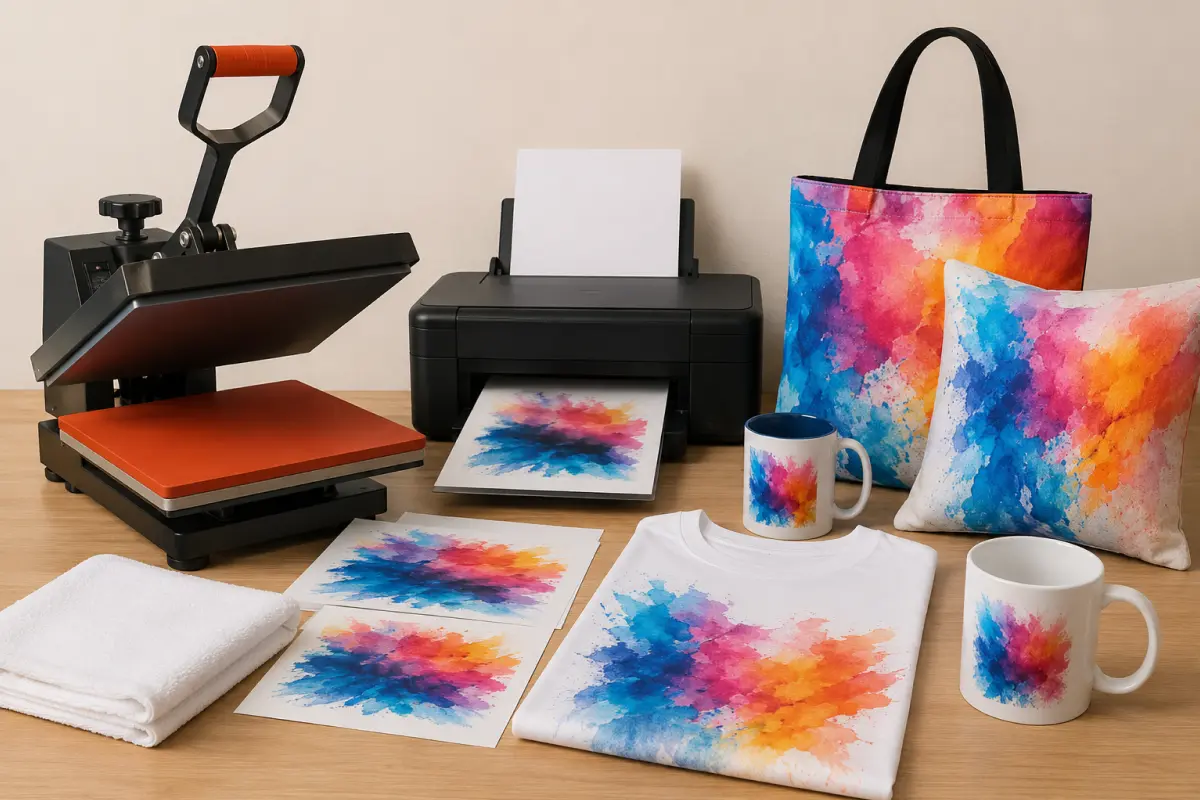
Sublimation printing works by printing your designs onto transfer paper with special ink, then transferring the design onto a polyester fiber or polymer-coated surface using heat. The ink becomes a part of the fabric, and it does not fuzz.
The core setup of Sublimation printing comes down to:
-
Sublimation printer & Sublimation ink.
-
Sublimation transfer paper.
-
A heat press.
-
Sublimation-ready blanks.
And here’s a step-by-step breakdown of how Sublimation printing actually works:
Step 1: Choose the Right Product
You need to start with the right product to get the best results with Sublimation printing. The dye needs a material that can bond with it. So you would need polyester fabric or poly-coated hard goods. If you do not get the right product, the final printing will be dull, poorly durable, and inconsistent.
Step 2: Prepare the Design
Many merchants think solid design preparation is not that important. But the inconsistent, dull outcome would tell you otherwise. Every time before sublimation printing, you must:
-
Mirror the design, especially if you're printing text or a logo.
-
Add the correct bleed/safe area for your product so you don’t get white edges after printing.
Step 3: Print the Transfer
At this stage, you will print the design onto sublimation transfer paper, which is coated to hold the dye in place until heat activates it. The print quality settings and paper choice affect the dye release during pressing. Also, let the print dry briefly before pressing it, so you don’t smear it.
This is a very simple step, but it can have a massive impact on the print quality.
Step 4: Prep the Blank
Before pressing, remove moisture from the blank and prevent any movement. For fabrics, pre-press for 3-10 seconds to flatten fiber and remove moisture. For hard goods, ensure the surface is clean and dry, and remove any protective film if the blank has one.
After that, position the transfer paper and secure it with heat-resistant tape so it does not shift during pressing.
Step 5: Press
This is the last step of sublimation printing. Now that all the preparation is done, you need to apply heat and pressure. Place the design in the right place and apply heat and pressure; the dye will become gaseous enough to lift off the paper and bond to the polyester surface. Great sublimation printing is all about balancing temperature, time, and pressure. Even slight changes can affect the results, so be very careful when transferring the design to the surface.
After the press is completed, remove the transfer paper safely. Don’t shift the paper while the dye is still active, peel as recommended for that paper combo, and let the product cool properly.
What are the Advantages of Sublimation Printing?
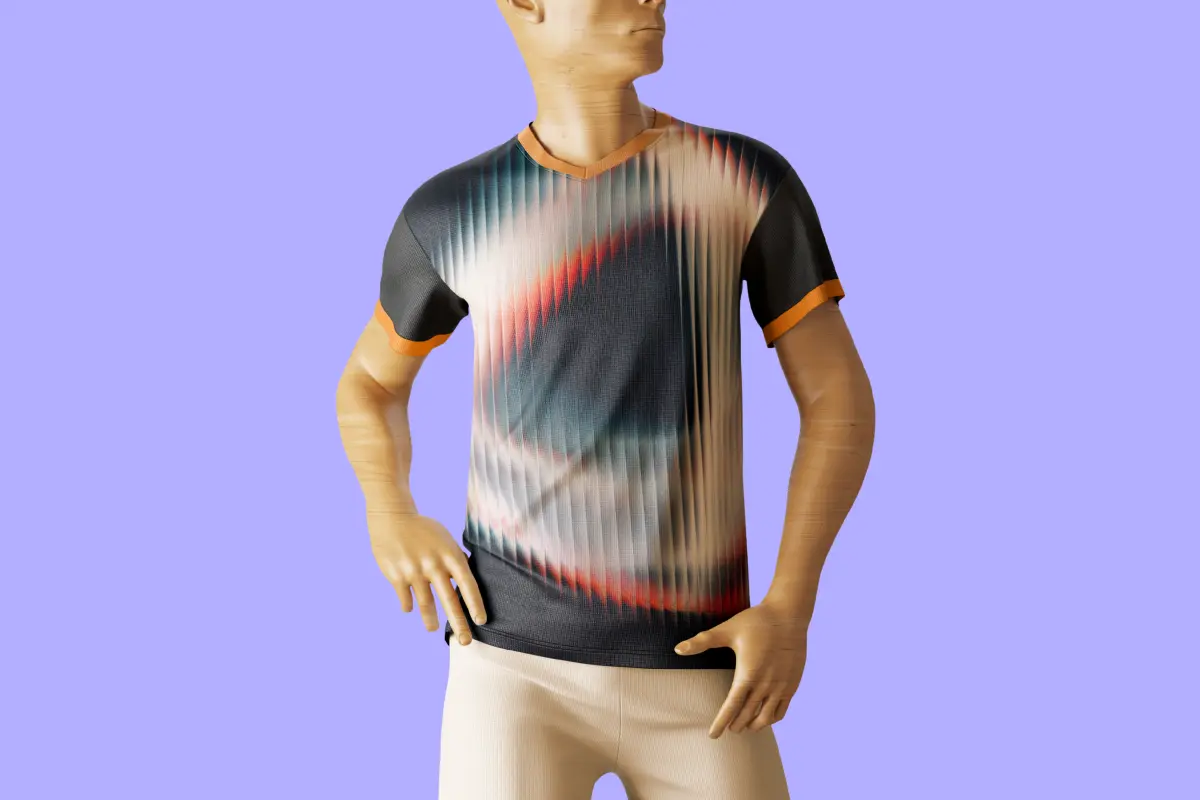
Sublimation printing is one of the most popular ones. Merchants love it for its vibrant color payoff, premium feel, and more. Let’s discover some of the advantages you can also get by using the Sublimation printing method for your products:
-
Vibrant, Photo-real Color: Sublimation is known for its color payoff. If you are selling designs with gradients, shadows, watercolor effects, or photography, this is the best printing method to choose. The final products would look clean and professional with eye-catching colors. Unlike other traditional printing methods, you would not have to fight with color limits. You can confidently use visually rich designs with multiple color layers. This gives you more flexibility and lets your customers bring their vision to life.
-
Premium Feel: With Sublimation printing, you get the smoothest printing without any heavy ink layer. You know that stiff, plasticky feel that prints can sometimes give. It also means the fabric would not drape naturally, and the print would feel like a sticker, reducing the overall quality of your product. Sublimation doesn’t have that heavy coat when used correctly, as the color becomes part of the material; you get a very smooth finish, just like the material. That matters because comfort will definitely drive repeat purchases, and that plasticky, cheap-feeling material might create a negative image of your brand among customers.
-
Strong Durability: Sublimation printing reduces cracking and peeling and ensures long-lasting results. Merchants around the world love this printing method for its durability. As this doesn’t form a thick layer that can peel over time, there are no peeling incidents. Now, why is this an advantage? Because you will see fewer complaints, fewer returns, and more happy customers who give genuinely great reviews for your products. This way, you can create an impressive brand image and attract more customers. Which means choosing sublimation means you are contributing to building a brand image that is resilient.
-
Expand Your Product Catalogs: Sublimation is not just limited to shirts or fabrics. Once you are comfortable with the workflow, you can apply it to any polymer-coated hard goods, such as mugs and other items. If you run a POD business, this is great, as you can expand your product range and cater to a wider range of customers. This will eventually contribute to the profit margins of the overall business.
-
Great for Small Details and Clean Edges: When your work includes thin lines, tiny text, intricate patterns, or subtle textures, Sublimation printing is the best choice. As long as the blanks and the settings are dialed in, you will get every detail in a perfect form. When you are running a POD or personalized business, that is what matters most. If you lose the intricate details your customers provide, you are not bringing out their vision.
What are the Limitations of Sublimation Printing?
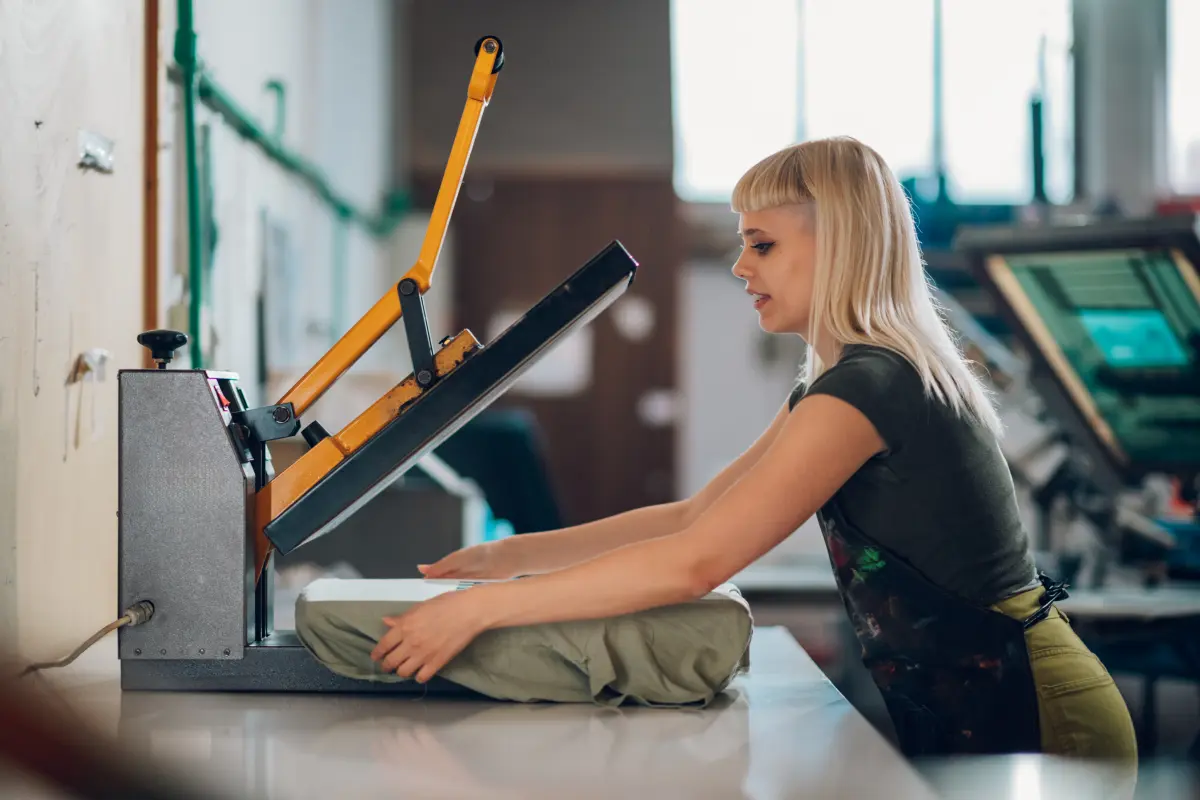
Sublimation printing can produce the cleanest, most vibrant, and detailed prints. But that does not mean it’s suitable for everything. There are various limitations, such as the method being chemically picky, visually sensitive, and operationally strict. Here are the limitations of Sublimation printing that you need to keep in mind:
➣ Material Restriction: Sublimation dye needs a material it can permanently bond to, and polyester fibers or a polyester coating are the only materials that can do so. Which directly means you cannot treat it like a universal printing method. For example, 100% cotton won’t hold sublimation properly, so the result will look washed out and fade quickly. Also, if the material is poorly coated, similar results will come out. The polyester percentage in the fabric strictly affects the vibrancy of the final print.
➣ Color Limitation: Sublimation inks are dye-based and transparent. There is no white sublimation ink. So you cannot print white in your designs, and any white will appear blank. If you are printing on a white blank, it is okay, but the issue occurs when you are printing on colored blanks. As there’s a color limitation, you need to keep the base color in mind. If you offer all sorts of personalized products, this can be an issue for your overall business.
➣ Accuracy Issues: Color accuracy is harder in Sublimation printing than people think. Sublimation printing is usually very consistent, but only when the setup is controlled. In reality, order fulfillment and color accuracy are the biggest challenges of the Sublimation printing method. You must maintain the polyester coating, percentage, and press temperature, and your art file color space with utmost care. When selling color-sensitive products, you need to test and use repeatable settings to avoid complaints.
➣ Ghosting and Blurry Edge: Sublimation bonds with the surface by transforming into a gas. Because of this formation, any movement during pressing can cause a second faint outline, often called ghosting. The typical causes of such an outline are paper shifts during press closing and opening, static that pulls the paper slightly when taping is not enough, and peeling too early or moving the paper while the dye is still active. Ghosting results in an instant rejection, which means you would have to go through the expensive process repeatedly.
➣ Expensive to Start: Sublimation is not the most expensive method in the industry, but it is not the cheapest to start with either. Why? Because you would need various types of tools to get the perfect print. You need a printer, sublimation ink, and CC profiles initially. Apart from that, the ongoing cost of transfer paper and wasted test print adds up over time. You would need to get the best heat press, as its quality matters a lot. Maintenance also costs you a good amount.
Sublimation vs Other Printing Methods
The main concern of a personalized product merchant is which printing method is best for their product and which is most likely to deliver on time. Here is a breakdown of popular printing methods, so you can choose the best one among them:
Sublimation Printing vs Screen Printing
| Feature |
Sublimation Printing |
Screen Printing |
| Best for |
Full-color designs, gradients, and photos |
Bold designs, spot colors, big batch runs |
| Feel |
Smooth; no thick ink layer |
Ink can feel slightly raised, depending on the ink type |
| Durability |
Excellent; won’t crack or peel because the dye becomes part of the material |
Very durable, but can crack over time depending on ink + wash + quality |
| Fabric limits |
Needs polyester/poly-coat (best on light colors) |
Works on many fabrics, including cotton |
| Cost sweet spot |
Small runs and personalized orders |
Bulk orders (setup cost pays off at volume) |
Sublimation vs DTG (Direct-to-Garment)
- DTG is strong on cotton and can handle complex color, but print feel and durability vary with pretreatment quality and wash care.
- Sublimation is stronger on polyester for a “part of the fabric” finish and long-term wear, but you lose the ability to print white, and you’re limited to light blanks.
Sublimation vs DTF (Direct-to-Film)
-
DTF is more flexible on materials (cotton, blends, darker colors) and can print white. But it typically creates a thin film layer on top of the fabric.
-
Sublimation remains unbeatable for soft hand feel and all-over color on polyester.
What Products Work Best With Sublimation Printing?
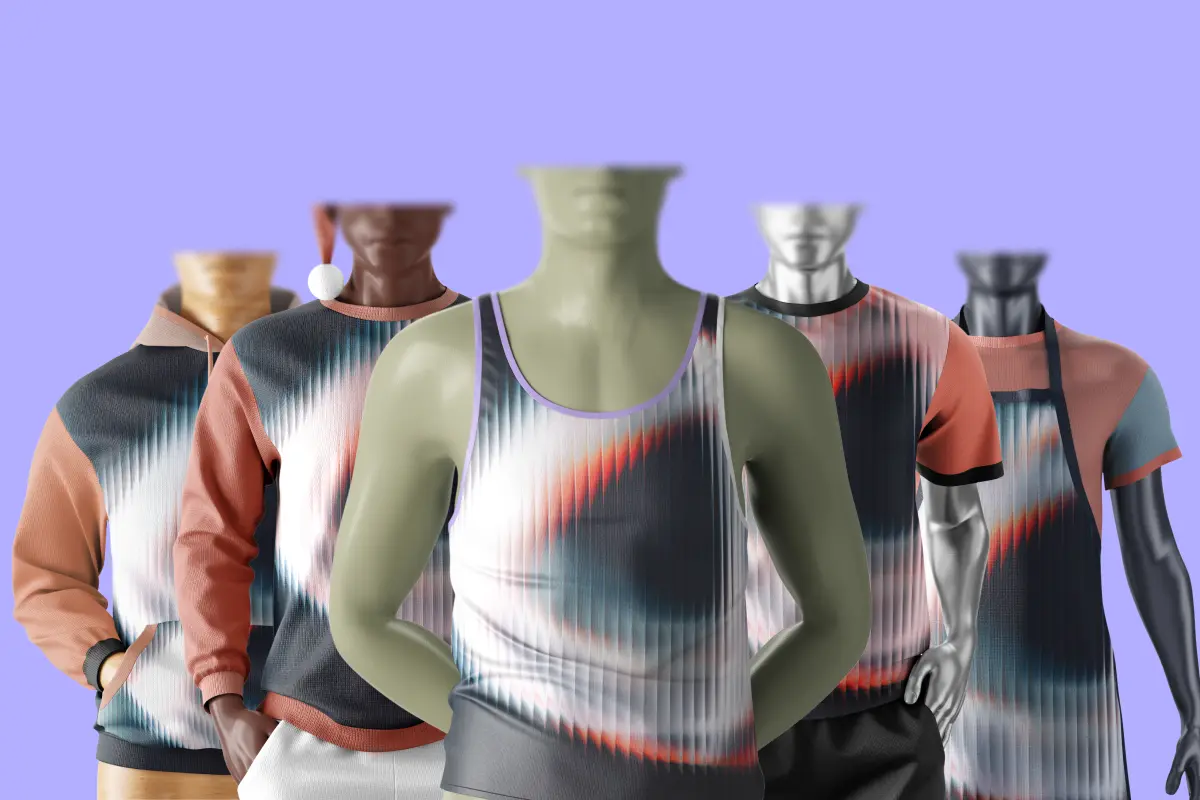
Sublimation printing works best when you are using the right material, surface type, and tools. When all the conditions are right, you get a vibrant, smooth finish. Here are products that work the best with sublimation printing:
White or Light Colored Polyester Apparel
Sublimation performs best on white or very light-colored polyester garments. This is where the dye can show its full color range without interference from the base fabric.
-
Colors appear bright, accurate, and clean.
-
Gradients, shadows, and photo-style artwork transfer smoothly.
-
The print becomes part of the fabric, with no stiffness or ink layer.
Best products:
T-shirts, tank tops, jerseys, leggings, athletic wear, and performance hoodies made with high polyester content.
You can sell high-detail, full-color designs without worrying about cracking, peeling, or wash damage.
Sportswear and Performance Apparel
Sublimation is widely used in sports and activewear for a reason.
-
Polyester fabrics used in sportswear are ideal for dye bonding.
-
Prints stretch with the fabric without distortion.
-
Breathability remains intact since there’s no ink layer blocking airflow.
Best products:
Soccer jerseys, cycling jerseys, running shirts, yoga wear, compression garments.
Customers value comfort, durability, and a professional-grade appearance, which are key factors in repeat purchases of sportswear.
All-Over Print (AOP) Garments
Sublimation excels at edge-to-edge printing, especially in cut-and-sew workflows.
-
No visible print boundaries or heavy ink buildup.
-
Seam-to-seam color coverage is achievable.
-
Large, continuous patterns maintain consistency.
Best products:
All-over print t-shirts, hoodies, leggings, dresses, pajamas.
AOP products carry higher perceived value and allow more creative freedom without layering limitations.
Polymer-Coated Hard Goods
Sublimation works exceptionally well on hard goods that are specifically coated for sublimation.
-
Dye bonds permanently to the polymer layer.
-
Prints resist scratching, fading, and washing when coatings are of high quality.
-
Results look glossy, professional, and long-lasting.
Best products:
Mugs, tumblers, phone cases, keychains, plaques, coasters, photo panels.
These products are ideal for personalized and gift markets with strong margins.
Home Décor Products With Sublimation Coating
Home décor items benefit from sublimation’s smooth finish and color depth.
-
Designs remain flat and integrated into the surface.
-
No raised ink texture that disrupts usability.
-
Fine details and photographs translate cleanly.
Best products:
Cushion covers, pillowcases, blankets (poly blends), wall art panels, and table mats.
These items pair well with personalization and seasonal design trends.
Wash-Heavy and Long-Term Use Products
Because sublimation dye becomes part of the material, it holds up extremely well over time.
-
No cracking or peeling.
-
Minimal fading when proper blanks are used.
-
Suitable for frequent washing.
Best products:
Daily-wear apparel, sports uniforms, reusable drinkware.
Fewer durability-related complaints and stronger customer trust.
Managing Sublimation Printing Designs with InkyBay
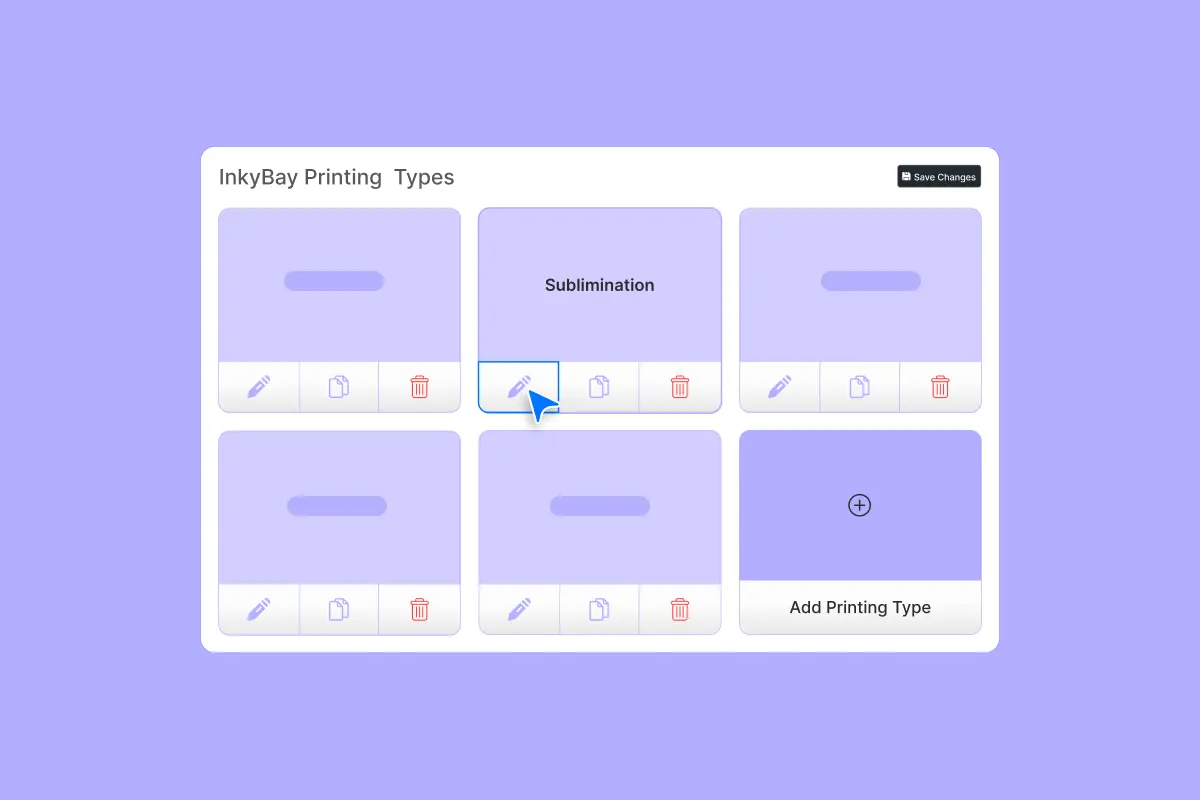
Managing Sublimation is consistent when your inputs are consistent, and that’s exactly where most merchants struggle. They face file chaos, mismatched print areas, last-minute printing changes, and many other printing-related issues. InkyBay helps your Image Sublimation printing in the easiest way. Here’s how you can manage Sublimation printing with InkyBay:
Lock in the print area
One of the fastest ways to reduce remakes is by controlling the printable area.
With InkyBay, you can define your product’s print area and include custom shapes, such as circles and polygons, by uploading a transparent PNG mask and positioning it over the product view. That way, customers design inside the printable zone from the start.
It matters for Sublimation printing because edge mistakes are expensive. A tiny misalignment can create unwanted borders or crop important design elements, especially on hard goods and tight placements.
Use templates to speed up orders
If you sell the same kinds of personalization repeatedly, like names, jersey numbers, monograms, badge layouts, and templates save a ton of time.
InkyBay’s Predefined Design Templates let you create reusable templates that customers can select. Also, you can set it as a default starting point and allow edits.
In Sublimation, Templates can reduce “bad customer design” issues like tiny text, misaligned elements, and poor spacing before you ever print.
Set pricing logic by print type
Sublimation doesn’t charge by ink colors, but screen printing does. However, you still need pricing rules that align with your business model (e.g., setup fees, design size, photo-print add-ons).
With InkyBay, you can set pricing based on printing types and customization categories, including:
-
Separate initial pricing for text vs graphics
-
Per-square-inch pricing (useful for size-based pricing)
-
Full-color photo print pricing add-ons (if you choose to charge for photo-style uploads)
Download print-ready files fast
This is the part your fulfillment team would love. InkyBay lets you download production-ready output files in SVG, PDF, PNG, JPG, and choose DPI options such as 72/96/150/300.
The difference between a “fine” print and a premium print often comes down to file quality, sizing, and consistency. Having standardized downloads reduces mistakes.
Conclusion
Sublimation printing is one of the cleanest ways to deliver vibrant, detailed, and long-lasting prints. But the printing method is tricky and requires careful management to achieve perfect output. When you are selling personalized products using the Sublimation printing method, you need to be aware of every detail of this method.
This is why we have discussed all of the aspects of Sublimation printing. From the working process to differences from other printing methods, you can find it all here. Also, we have shown you the easiest way to manage Sublimation printing with InkyBay is to avoid issues.
Frequently Asked Questions About Sublimation Printing
What is sublimation?
Sublimation is a process where dye ink turns into a gas under heat and pressure and bonds into polyester fibers or polymer-coated surfaces—creating a permanent, smooth-feel print instead of a layer sitting on top.
What sells the most with sublimation?
Consistent best-sellers are typically polyester apparel (sportswear, jerseys, activewear), all-over-print garments, coated drinkware (mugs, tumblers), and giftable hard goods like phone cases, keychains, and plaques. These perform well because sublimation offers high color vibrancy, durability, and strong personalization appeal.
What kind of printers do sublimation?
You need a printer that can run sublimation dye ink reliably, either a purpose-built sublimation printer or a converted inkjet model. The key requirements are sublimation-compatible ink, proper ICC color management, and consistent print media.
What materials can you sublimate on?
Sublimation works best on polyester fabric (higher polyester content gives better results) and polymer-coated blanks such as mugs, metal panels, phone cases, and similar coated hard surfaces.
Is it possible to sublimate on dark fabrics?
True sublimation does not work on dark fabrics because there is no white ink and the dyes are transparent. On dark materials, the design will be muted unless you use alternative methods like sublimation-friendly vinyl or transfer techniques, which can change the final feel and process.
Is sublimation cheaper than screen printing?
It depends on the order type. For small runs, personalized products, and full-color designs, sublimation is often more cost-effective due to zero setup costs. For large bulk orders with limited colors, screen printing usually becomes cheaper per unit as setup costs are spread across higher volume.


