

Key Takeaways
- The “best Shopify apps” in 2026 prioritize ease of use, strong ROI, automation capabilities, seamless integrations, and responsive customer support.
- Select apps based on your overall business goals—whether it’s operational efficiency, marketing & customer acquisition, performance optimization, or technical improvements.
- InkyBay stands out for advanced product customization with live previews, making it ideal for businesses of all sizes and industries.
- Avoid common mistakes such as overlooking subscription costs, ignoring scalability, or neglecting site speed and performance impact.
The best Shopify apps to grow your business.
Is that what you’re looking for?
If yes, start with our “top 25 best Shopify Apps” that every store needs in 2026. We crawled over 2.6 million Shopify stores and analyzed the data (e.g., best ratings, reviews, and top-notch features) to find these effective apps. Now, you don’t have to dive into the sea of the Shopify App Store.
We’ve categorized all these apps based on business goals, like loyalty program, upsell, & automation shipping, SEO, or others; you get all in this article.
Who is this guide for?
The best Shopify apps that every store needs: this guide is effective for Shopify store owners, e-commerce managers, and digital marketers who want to:
- Optimize online store performance
- Increase conversions and
- Boost customer lifetime value
However, some key intended audience segments include:
- SMBs & new store owners need budget-friendly tools to drive sales & traffic, like Judge.me.
- Growth-focused brands aiming to maximize customer lifetime value(CLV) through the best Shopify tools like Klaviyo.
- Dropshipers & niche sellers utilize the best Shopify apps for specialized needs like print-on-demand (Printful) or social-driven commerce (e.g., Instagram, TikTok, etc.).
- Technical/advanced managers looking for sophisticated Shopify tools for product personalization or high-end customization (e.g., InkyBay).
In essence, this guide is helpful for businesses to build direct customer relationships, improve data-driven decision-making, smooth inventory management, and ensure effective operations.
How We Selected These Shopify Apps?
Shopify’s built-in features cover essential product listings, inventory management, payment processing, and theme customization. But the core functionalities lack advanced features and require installing third-party apps from the Shopify app store.
That’s why we explored several Shopify apps and analyzed the data to find the 25 best Shopify apps effective for all Shopify businesses & merchants. But before creating this checklist, we followed different factors, including:
Select app category
Choose a category (selling products, store design, etc.) that matches your business goal, but check out the trending Shopify apps on the Shopify App Store homepage. Click the “Browse Apps” and discover apps by category.
Merchant ratings & reviews
Search for high-rated Shopify apps to build your store with positive and recent merchant reviews. Consider both negative and positive reviews, describing real use cases. Are recent ones positive? Or, is there any feedback on support quality, bug fixes, or update frequency? Repetitive complaints that aren’t addressed by developers are a red flag.
Ease of integration
A smooth install saves you time & avoids theme or checkout backlogs. So, choose one-click install with minimal manual efforts, clear instructions, setup video tutorials, and support for all Shopify themes.
Performance impact
One poorly optimized app might add ~500 milliseconds delay by itself. And in the digital marketplace, page loading speed is crucial to boost conversion rates. Google found that users are 32% more likely to bounce from your site if your page loads in three seconds instead of one. So, to enhance user experience, site speed, prevent layout shifts, and improve SEO, recheck the app’s performance impact.
Note: To measure Shopify app performance, use Shopify’s built-in Web Performance Reports for real user data, Google PageSpeed Insights, and GTmetrix.
Trial and Pricing
Try free trials offered by apps to test their functionality and compatibility before committing, especially in the early stages. To avoid unexpected costs and hidden fees, look for transparent pricing: Does savings money annually? Flexible price tiers are aligned with your store size.
Support and Documentation
Evaluate the Shopify app’s quality of customer support provided by the app developer or technical team. Also, check out the comprehensive documentation or user guides before relying on the app. As you know, great support saves hours and helps to overcome issues instantly.
All of these mentioned apps’ features can make the difference between a smooth, profitable operation and a clunky, inefficient one.
Overview of the Best Shopify Apps
Before we dive into the details, here is an overview table of the 25 most popular merchant-used Shopify apps:
| Shopify App | Best For | Number of Installs (Appx.) |
| InkyBay | Product Personalizer | 1400+ |
| Optionia | Product Options & Variants App | |
| Printful | Print on Demand | 140,000 |
| Dsers | AliExpress Dropshipping | 89,075 |
| Smile | Loyalty program rewards | 58,513 |
| Selleasy | Upsell & Cross Sell | 42,166 |
| PageFly | Landing Page Builder | 179,104 |
| Recharge | Subscription management platform | 53,110 |
| UpPromote | Referral & affiliate program app | 60,250 |
| Syncio | Multi-Store Inventory Management app | Unknown |
| SKULabs | Inventory & Shipping | Unknown |
| Klaviyo | Email Marketing & SMS | 482,224 |
| Omnisend | Email Marketing & SMS | 111,078 |
| Tidio | Live Chat & AI Chatbot | 68,344 |
| AfterShip | Automated returns solution for brands | 19,308 |
| Qikify Checkout Customizer | Custom checkout app | 873 |
| Powerful Contact Form Builder | Professional-looking forms | 37,611 |
| Loox | Visual product reviews | 129,937 |
| Yotpo | Product Reviews App | 50,395 |
| Judge.me | Product Reviews App | 534,067 |
| DS: Facebook & Instagram Shop | Social shopping app boosts sales | Unknown |
| Outfy | Social Media Auto Post | Unknown |
| Recart | SMS & List Growth | 1,361 |
| Tiny SEO Speed Image Optimizer | SEO image & page speed optimization | 29,791 |
| SEOWILL | AI SEO & AI Blog Post | 22,792 |
Best Shopify apps for sourcing and selling products
Shopify sourcing and selling apps allow you to build product catalogs, automate dropshipping, and scale businesses without holding inventory or managing logistics. Below, we’ve enlisted the top product sourcing, customization, and selling Shopify apps to boost sales:
1. Inkybay
Best for:
Custom stores, POD sellers, or individuals needing unique custom products.
Are you still selling generic items where consumers have no control over designing their own? In the “experience economy” of 2026, consumers no longer just buy products; they crave experiences that feel tailor-made for them. That’s why businesses shift to “product customization.”
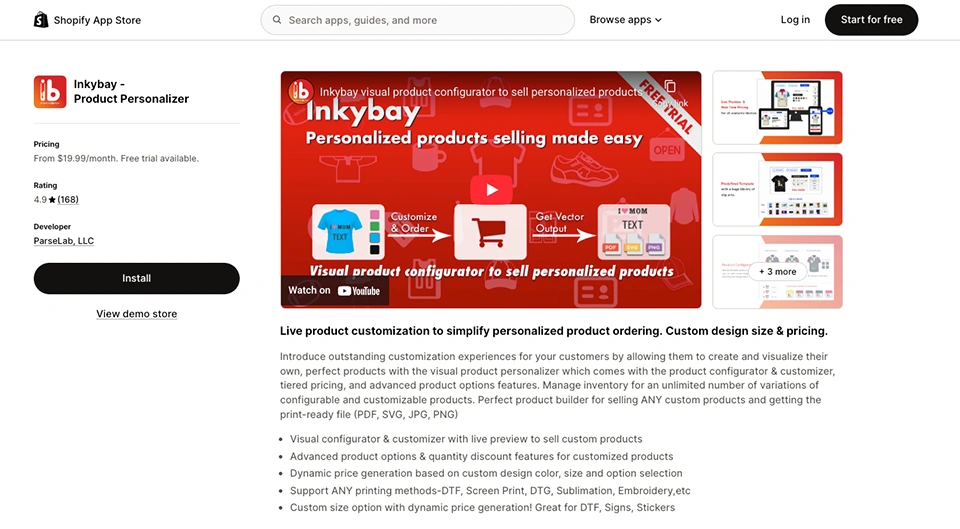
Want to allow your customers to design and customize their own products directly on your Shopify store? InkyBay, the best Shopify product personalizer app, is your all-in-one solution to fulfill your customers’ custom requirements. From apparel to gadgets or other products, they are highly customizable. Also, the best part is that you can charge extra for premium printing types or custom solutions; colors, size of design, bulk custom orders, etc.
Best features:
- Advanced custom features with text, fonts, colors, images, or logos
- Pre-defined graphics & cliparts
- Real-time live product preview
- Print-ready high resolution files (e.g., SVG, PDF, PNG, etc.)
- Flexible printing support (e.g., DTG, embroidery, DTF, screen print, sublimation, etc.)
- Custom size option, quantity discounts & tiered pricing
- Works perfectly with all Shopify themes
- Seamless integration with Zapier (add-on), PageFly, Checkout, and so on
- Advanced conditional logic
- Multi-language support
Why it stands out in 2026:
- 81% of consumers are more likely to buy from brands that offer customization.
- Unlimited variations and combinations
- 20-50% higher prices than generic or mass-produced products
- Sustainable & fulfill “made-to-order” demand
Pros & Cons of InkyBay
Pros
- Powerful customization & live preview
- Advanced product configuration
- Expert, helpful customer support
- Easy to install & setup
- Ideal for print shops or custom businesses
- Interactive Designlab
Cons
- For complex customization, merchants need technical support
Shopify Store owner rating:
4.9 stars from more than 168 reviews.
Pricing:
Free trial available. The paid plan starts with $19.99 per month, $49.99 per month, $99.99 per month, and $249.99 per month with advanced product customization features.
2. Optionia
Best for: Infinite product variants, custom product options & in-app live previews without coding.
Best features:
- Limitless product options (e.g., text, textarea, file upload, date pickers, color/image swatches, button, and more)
- Smart conditional logic (show/hide)
Pros & Cons of Optionia
Pros
- Add-on pricing
- Responsive, helpful customer support
Cons
- No 3D product previews
Pricing:
A free plan is available with up to 15 option sets and 10+ essential option types. The paid plan starts at $9.99 and $19.99 per month with unlimited product option sets, fully custom option styles, multi-level options, and more advanced features.
3. Printful
Best for:
Selling print-on-demand (POD) products without inventory.
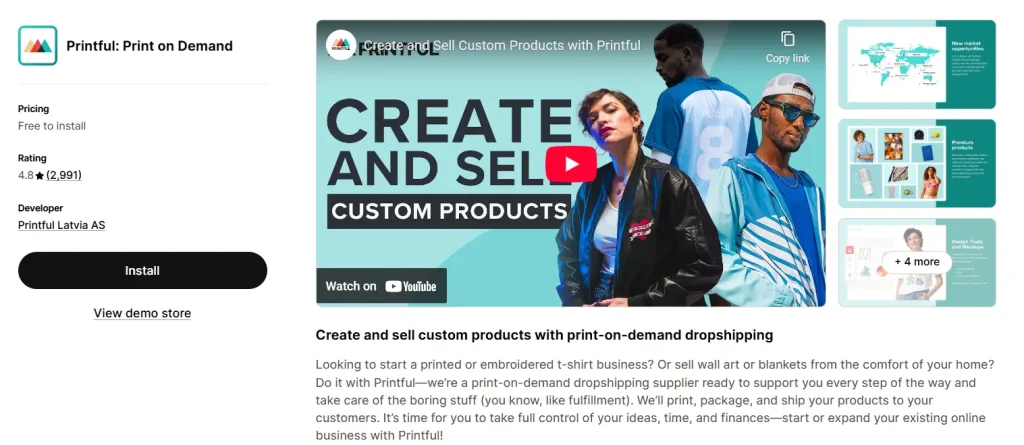
Printful is one of the best dropshipping apps on Shopify, popular for its print-on-demand (POD) that integrates with your online store, letting you design, sell, and automatically fulfill custom products. Whenever a customer places an order, Printful prints, packages, and ships the product directly to them on demand. It is an effective e-commerce business solution, where you don’t need to buy, store, or manage inventory. All you need to plan creative business ideas to expand the existing one.
Best features:
- Automated order fulfillment (order placed on Shopify automatically sent to Printful)
- Access to over 300+ items with high-quality printing techniques like DTG, embroidery, and sublimation
- Effective design maker or mockup generator
- Multiple fulfillment centers worldwide
- Product
Why it stands out in 2026:
- In-house production across the US, Europe, and Mexico
- Deep Shopify integration & automation
- Advanced mockup generator
- White label solutions
- Trend adaptation & sustainability
Pros & Cons of Printful
Pros
- User-friendly UI, automated POD solution
- No upfront inventory costs
- Allow global fulfillment
- 24/7 chat support with custom labels & packing slips
Cons
- Users face bugs in Printful’s new update
- Some users mention that during peak holiday seasons, fulfillment becomes slow
- Limited merchants’ control over specific fulfillment centers
Shopify Store owner rating:
4.8 stars from more than 2,800 reviews.
Pricing:
Free to install with Global fulfillment and shipping, 20% off sample orders, and built-in design tools. The paid plan starts at $24.99 per month with 9% off product branding.
4. DSers
Best for:
Finding suppliers and products from AliExpress
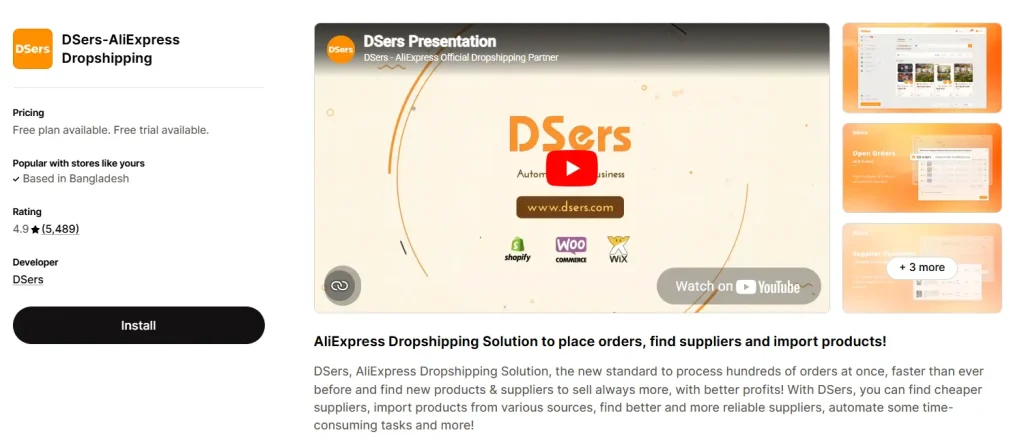
DSers is a highly-rated, feature-rich Shopify app designed for efficient AliExpress dropshipping. It also offers bulk ordering, supplier optimization, and a robust free plan for up to 3,000 products. If you plan to run a profitable dropshipping business without manual work, DSers is the best selection for you. Also, the app automatically syncs the tracking information to your store, keeping customers updated on every order. Suppose you want to sell a smartphone bundle that includes a case, screen protector, and earphones from different suppliers. You can make it effectively with DSers.
Best features:
- Bulk product import (AliExpress to Shopify store)
- Automated order fulfillment
- Supplier optimization based on price, delivery time, and ratings
- Automatic order status sync & tracking
- Ideal for creating special prompts and deals
- Effective integration with your store for easy management
Why it stands out in 2026:
- Built-in tools help merchants find better suppliers
- Multi-store & scalable management from one dashboard
- Variant mapping reduces errors during fulfillment
Pros & Cons of Dsers
Pros
- Supports bulk product import and edits
- Cost-effective & reliable supplier optimization
- Free plan supports up to 3,000 products & 3 stores
- Save time with automated order processing
- Enable variant mapping & product bundling
Cons
- Only designed for AliExpress
- Some users reported inconsistent experiences with refund policies
Shopify Store owner rating:
4.9 stars with more than 5,400 reviews.
Pricing:
Free plan & trial available. The paid plan starts at $19.90 and $49.90 per month with bundle product & supplier mapping, AliExpress coupon auto-collector, managing multi-supplier platforms, and so on.
Best Shopify apps for conversions
Shopify conversion apps help merchants to build trust, create urgency, and improve overall user experience through advanced features. Below, we’ve shared five different conversion-driven Shopify apps, such as –
5. Smile: Loyalty Program Rewards
Best for:
Establishing a customer base through a loyalty and rewards program.
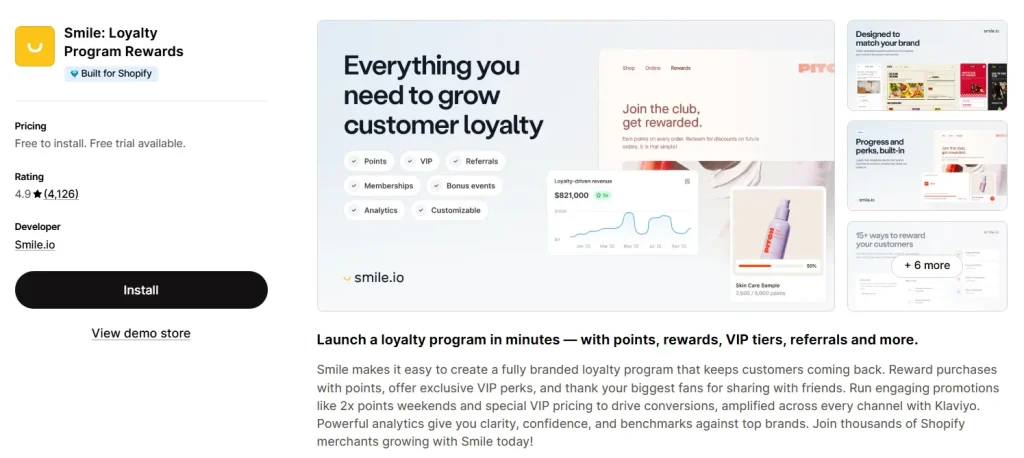
The Smile is one of the best Shopify loyalty apps that helps businesses boost sales and retention through custom programs with points, VIP tiers, and referrals. It not only allows customers to earn rewards for purchases, social shares, and other actions, but also integrates with Shopify and Shopify POS. If you want to keep customers coming back and increase repeat sales, it is the best app. That’s why it is considered the top Shopify app to increase sales.
Best features:
- Points Program: Reward customers with points for purchases, referrals, and social actions.
- VIP Tiers: Reward top customers with exclusive perks and higher point multipliers for increased spending.
- Referrals: Turn customers into regular buyers by rewarding them for referring new shoppers/friends.
- Nudges: On-site reminders to encourage point redemption and engagement.
- Shopify Integration: Works seamlessly with Shopify POS, Checkout, and Customer accounts.
- Marketing Automation: Connects with tools like Klaviyo, Mailchimp, and Shopify Flow for automated campaigns.
- Reviews & UGC: Integrates with review apps (Judge.me, Loox) to reward user-generated content.
- Custom Branding: Fully brandable loyalty hub, widgets, and emails to match your store’s look.
- Intuitive Dashboard: Easy management and setup, often in minutes, without needing a developer.
- Performance Reports: Track loyalty ROI, CLV, redemption rates, and referral traffic.
Why it stands out in 2026:
- Startups: Offers a free plan & simple setup for first-time loyalty programs.
- Growing Brands: Provides powerful tools for deeper customization, VIP status, and connecting loyalty to email/SMS.
- Omnichannel Retailers: Supports both online and in-store loyalty through Shopify POS.
Pros & Cons of Smile
Pros
- Boost customer engagement and retention
- Easy integration & User-friendly UI
- No coding required
- Flexible point-earning options
- Improve customer lifetime value
Cons
- Merchants found a bug when using consignment and POS
- Cost high for getting advanced features
- Sometimes take time to set up VIP tiers & reward rules
Shopify Store owner rating:
4.9 stars from more than 4,000 reviews.
Pricing:
Free to install up to 200 monthly orders. Paid plans start at $15, $79, or $199 per month with advanced features: dedicated loyalty page, free product rewards, analytics & reporting, etc.
6. Selleasy: Upsell & Cross Sell
Best for:
Increase AOV through upsells & cross-sells.
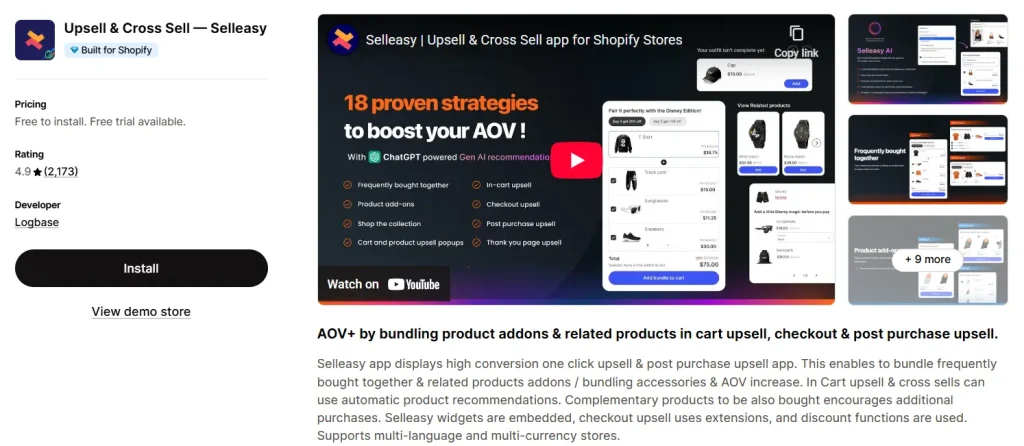
Selleasy is the best Shopify upsell & cross-sell app designed to help e-commerce stores increase sales. You can create six types of upsell offers, including before and after checkout offers, bundles, product add-ons, and accessory recommendations alongside primart products. Also, these offers appear on product pages, the shopping cart, or even after a purchase has been made.
Best features:
- Amazon-style “frequently bought together” product upsell bundles
- One-click post-purchase upsell, allowing customers to add a product to their order
- Customizable pop-ups or embedded lists within the cart drawer
- Offers widgets to match your store’s theme, appearing as grids, lists, or “shop the look” setups
- Automated relevant product suggestions based on customer behavior
- Provides analytics on upsell conversions and best-selling products to optimize strategy
- Cross-sell related products using the thank you/order status page
- Multi-language & multi-currency supports
Why it stands out in 2026:
- Helpful customer support (including Zoom, chat, and email setup help)
- Works before checkout and after purchase
- Boosts revenue without higher ad costs
- Widgets are designed to load quickly and integrate smoothly
Pros & Cons of Selleasy
Pros
- Easy to set up & manage deals
- Flexible to offer add-ons and bundles
- Intuitive interface; no technical skills required
- Responsive support team
- Multiple offer placements (e.g., cart, product page, etc.)
Cons
- Some users mention that free or lower-tier plans may have restrictions on design customization
- Larger stores with complex requirements might find the features too basic
- Users sometimes experience bundle bugs
Shopify Store owner rating:
4.9 stars from more than 2,000 reviews.
Pricing:
Selleasy is free to install. The paid plan starting costs $9 per month (up to 500 orders), $19 per month (up to 1000 orders), and $29 per month (up to 1000+ orders).
7. PageFly Landing Page Builder
Best for:
Custom, high-converting, and SEO-friendly pages without coding.
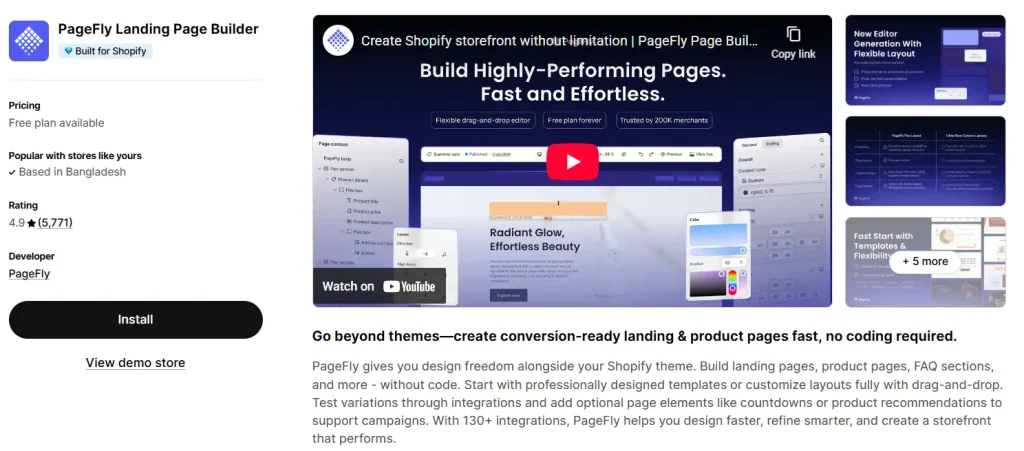
PageFly is a top-rated Shopify landing page builder known for its highly flexible, no-code drag-and-drop editor. You can create custom pages for your stores, including product pages, landing pages, homepages, and more. It’s the best choice for merchants who want a professional and unique store view. As the best free apps on Shopify, users get access to full features to build and publish a limited number of pages.
Best features:
- Intuitive drag and drop editor, easy to create, customize, and product layouts
- Provides over 100+ templates for landing pages, homepages, product pages, and blogs
- Built-in sales boosting elements, like countdown timers, testimonials, product variants, “Add to Cart” buttons, and more
- Responsive landing pages, supporting mobile, tablet, and desktop views
- Compatible with over 130+ popular Shopify apps (e.g., Ali Reviews, Judge.me, etc.)
- Offers custom CSS, HTML, and JavaScript, effective for advanced customization
- Data-driven A/B testing; identify, implement, and track high-converting variants
Why it stands out in 2026:
- CRO-focused landing page builders & sales-boosting elements
- Works with any Shopify theme
- Built-in analytics to monitor conversions
- Versatile use cases (e.g., seasonal campaigns, lead generation pages, product showcase, etc.)
Pros & Cons of PageFly
Pros
- Ease of use, edit pages & customize
- Mobile responsive, ensuring an interactive UX
- 24/7 customer support
- Global styling, custom CSS/HTML, and app integrations
- Extensive design flexibility & customization options
Cons
- No automatic saving feature
- Some users experience occasional lag when dealing with complex designs
- Speed issues arise when there are complex designs
Shopify Store owner rating:
4.9 stars from more than 5,700 reviews.
Pricing:
The free plan includes 1 published slot. The paid plan starts at $18 per month for 3 published slots and $99 per month for unlimited published slots.
8. Recharge
Best for:
Automating recurring payments, reducing churn, and boosting LTV.
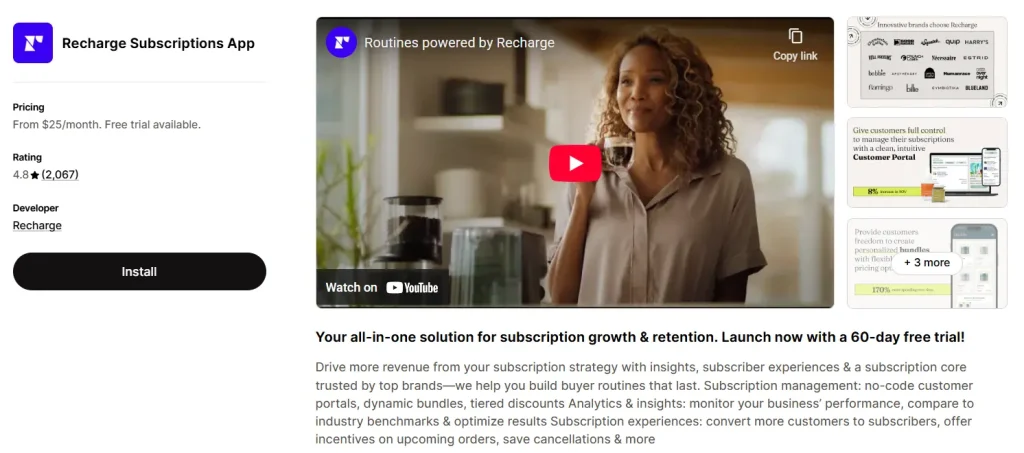
Do you want to convert your subscribers into repeat buyers and advocates? Try Recharge, your all-in-one solution for subscription growth & retention. As the best Shopify subscription app, you can manage recurring billing, subscription updates, and potential cancellations. This helps merchants avoid manual errors. It is designed to maximize customer lifetime value (LTV); no coding is required.
Best features:
- Customer portal & management, maintaining brand consistency
- Offer customization, tiered discounts, bundling options, and flexible delivery schedules
- Dashboards tracking churn rates, cohort performance, and overall subscription metrics
- Features powerful tools like “Retain” for effective testing and implementation
- Smooth integrations with Klaviyo, Gorgias, Stripe, etc.
- Flexible, no-code custom widget
Why it stands out in 2026:
- Allow merchants sell, manage, and grow recurring revenue
- Best for modern subscription commerce: flexible billing cycles, custom subscription plans, tiered pricing, trial periods, and dynamic pricing
- Excellent customer experience: skip, pause, or swap upcoming orders
- Seamless Shopify checkout integration
Pros & Cons of Recharge
Pros
- Smooth customer management
- Enhance retention and engagement effortlessly
- Ease of use & create subscription management
- Interactive customers portal
- Optimized for mobile
Cons
- Users experience editing issues with subscriptions
- Users often face software bugs
- High monthly subscription fees
Shopify Store owner rating:
4.8 stars from more than 2,000 reviews.
Pricing:
A 60-day free trial is available. The paid plan starts at $50 per month for the first 50 subscriptions, $99 per month, and $499 per month for advanced features.
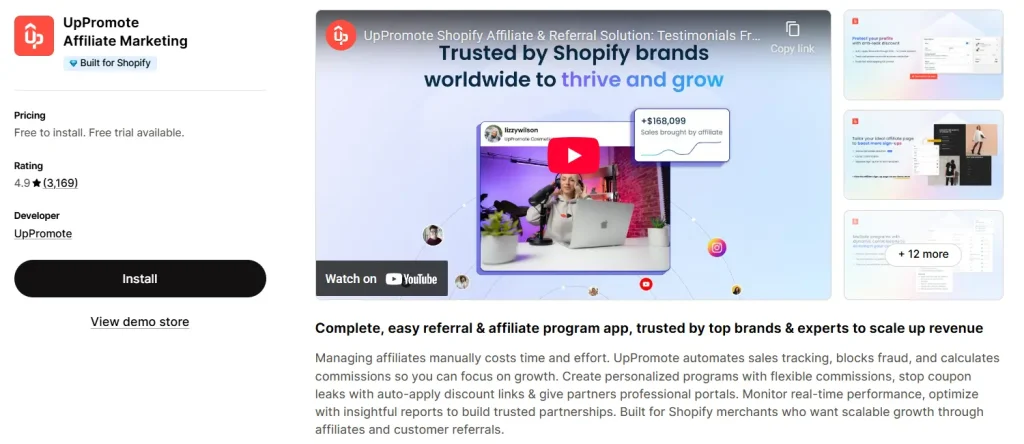
9. UpPromote
Best for:
Businesses seeking automated, user-friendly, and cost-effective tracking.
UpPromote is the highly-rated, best Shopify affiliate marketing app for managing affiliate and referral programs. With this app, you can customize default commissions and track performance automatically using affiliate links, coupons, SKUs, or emails. The app is perfect to increase sales and reach more customers without spending on ads.
Best features:
- Real-time tracking of clicks, orders, and commissions
- Boost trust with branded portals, signup pages & automatically generate affiliate links
- Prevent fraud via IP tracking, blocklist & activity monitoring
- Works smoothly with Pagefly, Klaviyo, Mailchimp, Omnisend, Recharge, etc.
- Save admin hours with auto-approvals, discounts & automated PayPal payouts
- Post-purchase pop-ups turn customers into affiliates
- Supports multi-level marketing (MLM)
Why it stands out in 2026:
- User-friendly interface & easy setup
- Offers robust tracking methods, including first-party tracking
- Customer referral program
- Responsive customer support
Pros & Cons of UpPromote
Pros
- Custom commission structures & automated tracking
- Seamless Shopify integration
- Responsive customer support
- Offers first-party tracking
- Easy to onboard new affiliates
Cons
- High upgrade costs for advanced features
- The free plan has limited commission customization
- Some users experience an interface cluttered or difficult to navigate
Shopify Store owner rating:
4.9 stars from more than 3,000 reviews.
Pricing:
Free to install. Paid plans start at $29.99 per month, $89.99 per month, and $199.99 per month, with advanced features like in-app chat, PayPal auto-payouts, and tiered commissions.
| 🔔Pro Tips: If you’re a new store owner, start with Seal for a low-risk, easy-to-manage entry into subscriptions. But for unique and custom plan structures, go with Appstle, the best subscription apps on Shopify. |
Best Shopify apps for inventory management
Shopify inventory management apps streamlines operations by automating stock tracking across multiple channels in real-time, preventing overselling, and reducing manual errors. Below, we’ve enlisted highly-rated and feature-rich best Shopify inventory management apps:
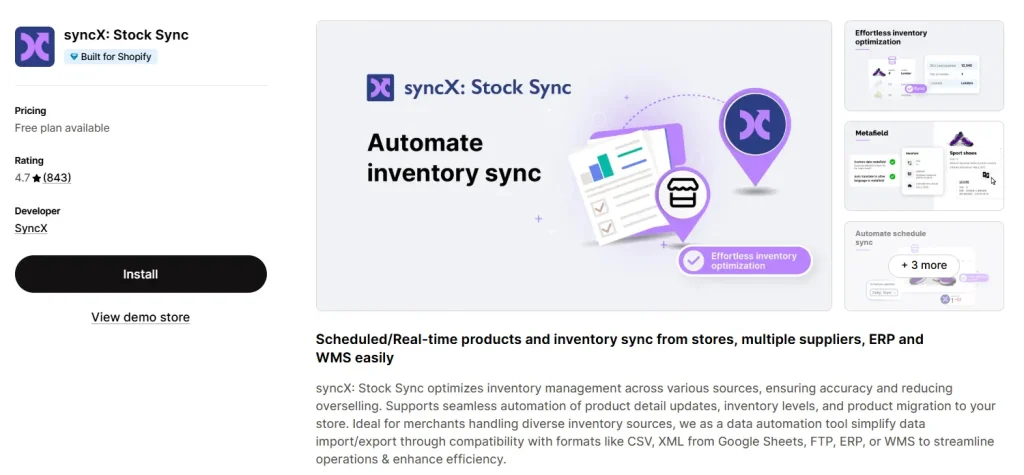
10. syncX: Stock Sync
Best for:
Scheduled/real-time products and inventory sync.
syncX: Stock Sync is the best Shopify inventory management app designed to automate stock updates, reduce manual effort, and prevent overselling across multiple sales channels. It automates inventory and product data management through syncing stock levels and product details from external sources into your Shopify store. The app is useful for stores working with multiple suppliers, warehouses, ERPs, dropshippers, or large product catalogs.
Best features:
- Automatic inventory updates
- Ensure stock accuracy through setting quantity rules
- Easy to remove discontinued or out-of-stock products
- Inventory tracking & export stock data
- Multi-source inventory management
- Customizable pricing rules
- Support different file formats (e.g., CSV, XLSX, XML, JSON, TXT, and EDI)
- Web scraping capability
Why it stands out in 2026:
- High-performance inventory synchronization solution
- Ideal for merchants managing complex data, multiple suppliers, or large product catalogs
- Robust handling of large feeds
Pros & Cons of Stock Sync
Pros
- Flexible data mapping & matching logic
- Advanced XML handling
- Suitable for both enterprise-level feeds & non-standard suppliers
- Effective data transparency & testing
- Clean & powerful user interface
Cons
- Lacks built-in barcode scanning capabilities
- Some users mentioned technical issues or errors in automated syncing
Shopify Store owner rating:
4.7 stars with more than 830 reviews.
Pricing:
The free plan is available with unlimited user trigger updates & a limit of 2,000 products. The premium plans start at $7, $10, and $200 per month with advanced inventory features.
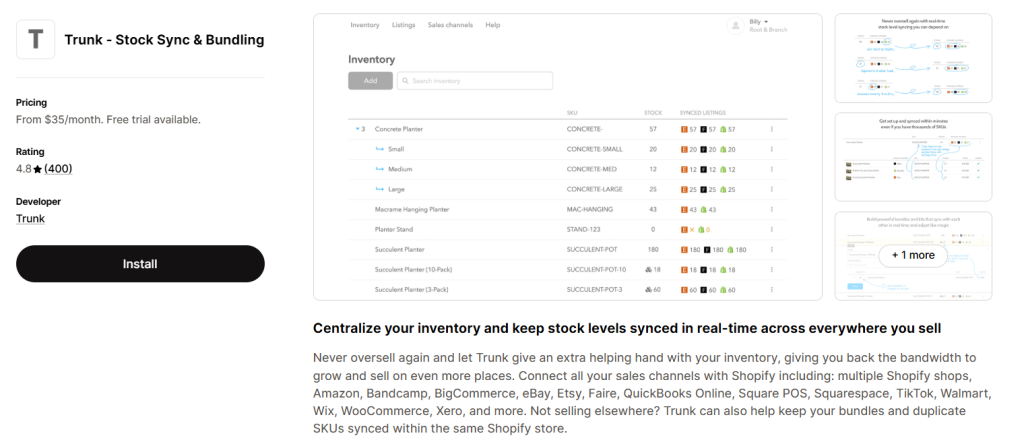
11. Trunk
Best for:
Real-time inventory synchronization across Shopify, Etsy, Amazon, Faire & Square.
Are you searching for an app that automatically keeps stock levels matched across multiple sales channels to avoid overselling? Trunk is your go-to inventory management Shopify app that keeps your inventory accurate and up-to-date across all your sales channels. Also, this app is effective in managing complex setups like multiple stores, marketplaces, and bundled products, all from one dashboard. From Wix to Amazon, TikTok, or others, Trunk will automatically keep stock levels matched, so you don’t accidentally oversell.
Best features:
- Real-time inventory syncing across multiple sales channels
- Powerful bunding & kitting to track materials and components
- Automatically link products across channels with thousands of SKUs
- Custom email alerts for low inventory
- Duplicate SKU syncing
Why it stands out in 2026:
- All-in-one operational control & low-stock alerts
- Advanced bundling capabilities
- Saves time & ensures accurate inventory management
Pros & Cons of Trunk
Pros
- Excellent bundle & kit management
- Easy setup & user-friendly interface
- Helpful & knowledgeable customer support
- Multichannel support
- Real-timereliable syncing inventory
Cons
- High monthly cost for small businesses
- Limited filtering/sorting
Shopify Store owner rating:
4.8 stars with more than 390 reviews.
Pricing:
The free trial is available. The paid plan starts at $35 & $39 per month.
Best Shopify apps for email marketing
Shopify email marketing apps are essential for driving sales, automating customer retention, and building brand loyalty through targeted campaigns. Let’s take a look at two popular and high ROI third-party email marketing apps:
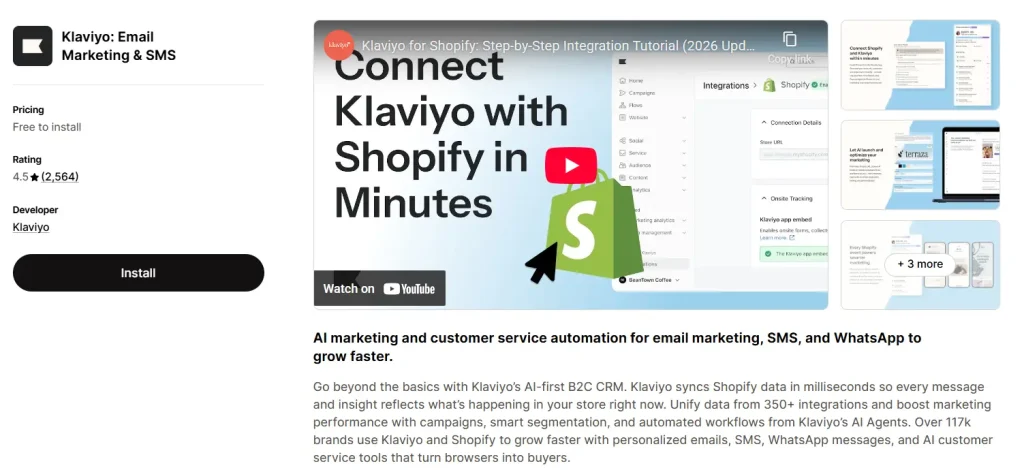
12. Klaviyo: Email Marketing & SMS
Best for:
Boost ROI through personalized, behavior-based campaigns.
Klaviyo is one of the best Shopify email marketing apps suited for both small and large brands. The best part is Klaviyo’s AI-first B2C CRM. As one of the best free Shopify apps for e-commerce, it unifies data from 350+ integrations and boosts marketing performance with campaigns and smart segmentation. Klaviyo claims it powers 117K brands with personalized emails, SMS< WhatsApp messages, and AI customer service.
Best features:
- Over 350+ customizable email templates
- Robust automation for abandoned carts & follow-ups
- Real-time Shopify data integration tags, product catalog, and coupons
- Two-way data sync ensures consistent audiences
- Custom audience segments based on demographics, custom attributes, purchase history, and engagement
- Built-in automated flows for lifecycle marketing (e.g., welcome series, abandoned cart recovery, post-purchase follow-ups, win-backs, etc.)
- Multi-channel campaign (e.g., email, SMS, pop-ups, and signup forms)
- Track performance metrics & A/B testing
Why it stands out in 2026:
- AI marketing & customer service automation (e.g., AI agents, personalized timing, customer hub & agent)
- Unmatched data integration & personalization
- Unified omnichannel experience
- Powerful analytics & ROI attribution
Pros & Cons of Klaviyo
Pros
- Intuitive drag-and-drop editor
- Real-time Shopify customer and order integration
- Pre-built automation workflows
- Unified view of email and SMS performance
- Ideal for both small and large brands
Cons
- Some users experienced native landing page functionality issues
- Complex customer segments
Shopify Store owner rating:
4.6 stars with more than 2,500 reviews.
Pricing:
Free installation is available for up to 250 contacts & 150 SMS/MMS credits. The paid plans are $15 and $20 per month with multi-channel segmentation and flows, smart opt-in & multi-channel list growth.
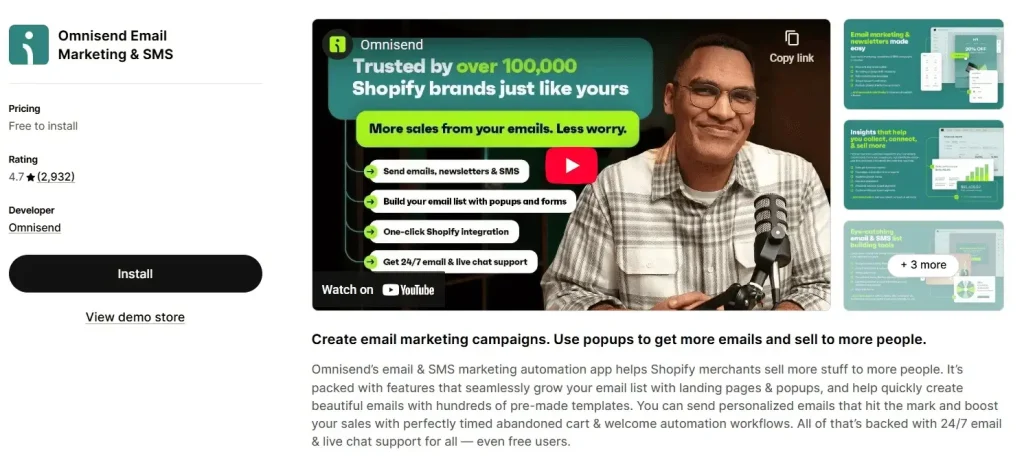
13. Omnisend Email Marketing & SMS
Best for:
Automating sales, recovering abandoned carts & combining email, SMS, and push notifications.
Are you searching for the best Shopify marketing app that helps you reach potential customers, boost sales, and automate messages without juggling multiple apps? Omnisend Email marketing & SMS is your all-in-one best Shopify e-commerce app to increase sales and boost customer engagement through automation and multi-channel segmentation. From building lists and sending campaigns to automating entire customer journeys with personalized, data-driven messages.
Best features:
- Omnichannel automation (email, SMS, and web push notification)
- Instant & targeted
- Exit-intent pop-ups, spin-to-win, and signup forms
- Ready-made email marketing templates
- Built-in AI to generate email copy, subject lines, and preheaders
- Seamless integration with Shopify, BigCommerce, and BigCommerce
- Abandoned carts, plus welcome & browse abandonment
Why it stands out in 2026:
- Advanced AI & personalization for content creation and segmentation
- Unique “campaign” booster
- Unlimited email, SMS, and web push in one platform
Pros & Cons of Omnisend
Pros
- Easy to use product pickers, discount codes & behavior tracking
- Seamless omnichannel performance
- User-friendly interface
- Free plan is suitable for small businesses
- 24/7 responsive live chat & email support
Cons
- Users reported the interface changes frequently
- Some users find that the sign-up form design options are limited
Shopify Store owner rating:
4.8 stars with more than 2,900 reviews.
Pricing:
The app is free to install up to 250 contacts, 500 emails & web push notifications per month. The premium plan starts at $16 and $59 per month with unlimited web push notifications, Global SMS, personalized product recommender, and more.
Best Shopify apps for customer service
Shopify customer service apps are best for streamlining support, enhancing customer experience, and boosting efficiency by automating and centralizing communication. You can handle high-volume queries through AI chatbots, manage multiple channels in one inbox, and more. Below, we’ve enlisted two powerful apps, such as –
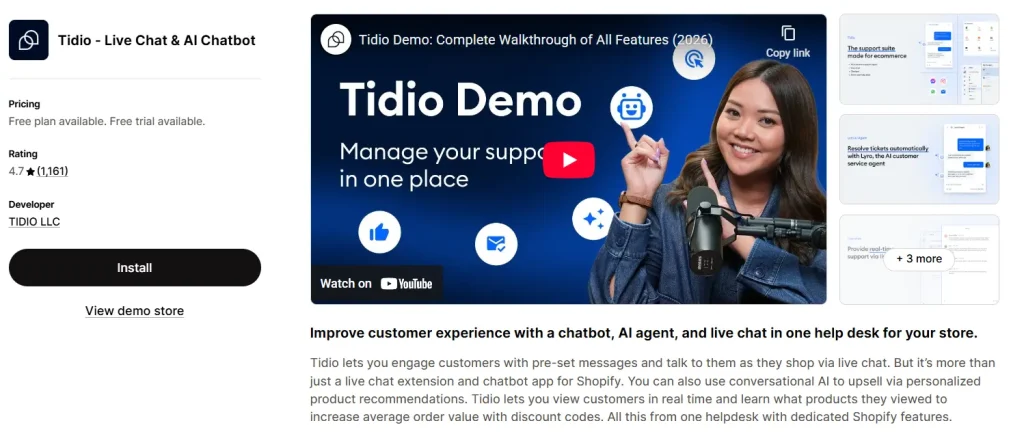
14. Tidio: Live Chat & AI Chatbot
Best for:
Boosting e-commerce sales & enhancing customer service through real-time chat and AI chatbots.
Struggling to offer fast, efficient customer support while boosting sales at the same time? Tidio: Live Chat & AI Chatbot is a highly-rated, user-friendly Shopify app that combines live chat, email marketing, and AI chatbots (Lyro) to boost sales and automate customer support. At its core, the app helps you communicate with customers while they shop, automate replies to common queries, and proactively engage visitors based on their behavior.
Best features:
- Lyro AI chatbot resolves issues, sells via chat & video
- Effective Shopify integrations (e.g., cart content, order history, and viewed products)
- Multichannel support (e.g., website chat, email, and social media platforms)
- Visitor-tracking & real-time insights
- Custom chat widget
- Automation analytics
Why it stands out in 2026:
- Tidio’s Lyro AI agent handles up to two-thirds of routine customer conversations without human intervention
- Lyro uses natural language processing and is trained on the store’s own FAQ & website data
- Deep Shopify integration: proactive sales & cart recovery
- “No-Code” simplicity for SMBs
Pros & Cons of Tidio
Pros
- Robust and automated return portal
- 24/5 live chat support
- No Tidio branding (add-on)
- Easy to set up & user interface
- Seamless multichannel management
Cons
- Some users report that advanced ticketing & routing options are limited
- High premium plans for advanced AI & automation conversations
Shopify Store owner rating:
4.7 stars, based on more than 1,140 reviews.
Pricing:
Free plan & trial are available. The paid plans are $29 and $39 per month.
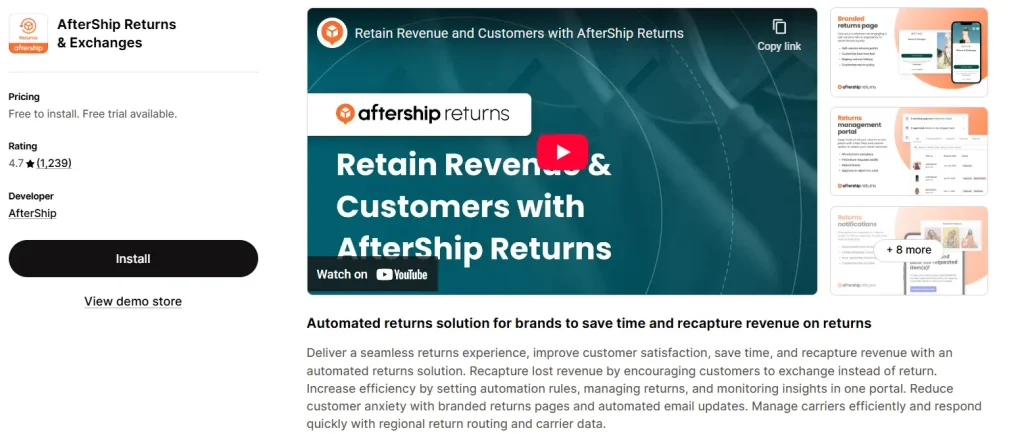
15. AfterShip Returns & Exchanges
Best for:
Automating, managing, and customizing the entire returns process to maintain revenue.
Best Shopify shipping apps
AfterShip is one of the best Shopify shipping apps that helps merchants automate, manage, and optimize product returns and exchanges. From customer-initiated requests to refunds, tracking, and exchanges, all in one dashboard, giving your team better control and for customers a smooth shopping experience. Shopify’s native shipping system is limited in handling complex returns like store credits. Here, AfterShip is a game-changer for merchants, built specially for e-commerce return workflows.
Best features:
- Self-service returns page & email notifications
- Smart return rules (e.g., returns window & non-returnable items to lower returns)
- Flexible refund & exchange options
- Auto-refund & auto-restock automation rules
- Seamless analytics & accurate reporting
- Integration with Shopify, WooCommerce, BigCommerce, and Magento
Why it stands out in 2026:
- Revenue retention through advanced exchange options
- Integrated logistics & global reach
- Fraud prevention & branded experience
- Seamless ecosystem integration (Shopify & POS)
Pros & Cons of AfterShip
Pros
- Customer-friendly portal
- Integrates with over 17 carriers
- Accurate analytics report
- Excellent integration with Shopify, TikTok Shoop & Amazon FBA
- Supportive customer support
Cons
- High-tier costs for SMBs
- Lack of physical logistics
Shopify Store owner rating:
4.6 stars with more than 1,200 reviews
Pricing:
Free to install. The premium plans start at $11, $59, and $239 per month with in-app automatic labels, email notifications, and return methods.
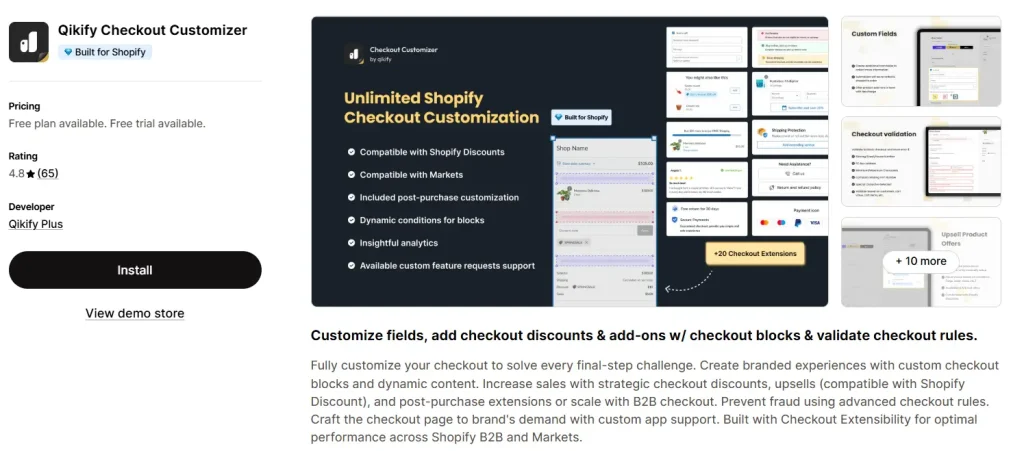
16. Qikify Checkout Customizer
Best for:
Creating custom fields, boosting AOV with in-checkout upsells, and managing checkout rules.
The best Shopify checkout app is Qikify Checkout Customizer, designed to personalize, optimize, and add functionality to the Shopify checkout page using drag-and-drop blocks. It helps merchants increase Average Order Value (AOV) through in-checkout upsells, build trust with custom branding, and create specialized checkout fields.
Best features:
- Custom checkout blocks and content
- Checkout discounts and upsells (works with Shopify Discount)
- Direct cart management (e.g., change quantities or variants)
- Payment & shipping method customization (reorder, rename, or hide payment)
- Add reward bars, free shipping progress bars, trust badges, and testimonials
- Works with the Judge.me, Alireviews, Stamped.io, Yotpo, and Shopify Plus
Why it stands out in 2026:
- Full compatibility with checkout extensibility
- Conversion-focused tools
- Minimize technical friction
Pros & Cons of Qikify
Pros
- Works with Shopify’s latest checkout extensibility
- Simple interface & easy to set up
- AI-powered product recommendations
- Ensure order accuracy & reduce errors
- Flexible checkout customization
Cons
- Limited features in the Free plan
Shopify Store owner rating:
4.8 stars with more than 60 reviews.
Pricing:
Free plan & Free trial available. The paid plan starts at $99 per month with product offers & add-ons, extra widgets, and so on.
17. Powerful Contact Form Builder
Best for:
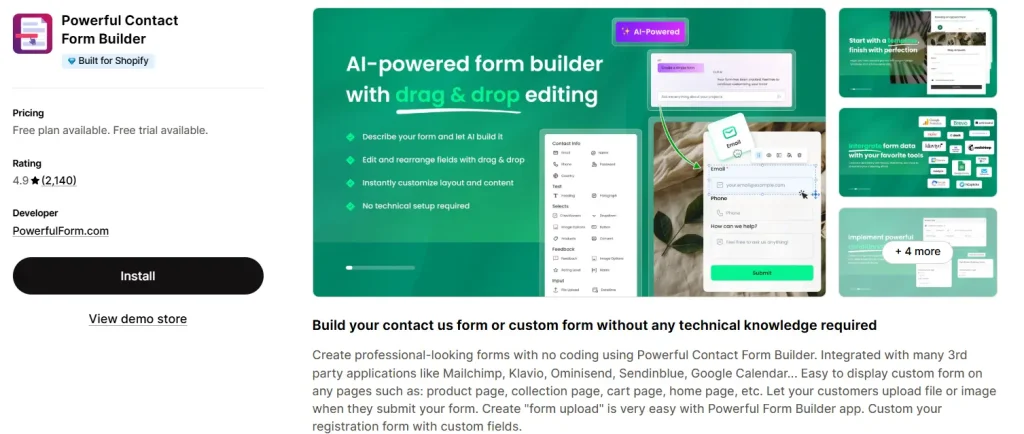
Shopify store owners needing highly customized, no-code forms to boost engagement.
A Powerful Contact Form Builder is a tool that lets you create custom, professional contact forms, and other types of web forms without coding. These builders are designed to help websites collect inquiries, leads, feedback, registrations, and file uploads without coding. The app is ideal for syncing data with marketing platforms and tools like Google Calendar, Google Sheets, and Zapier.
Best features:
- Custom form on different pages: product page, collection page, cart page, home page, etc.
- Easy to build a contact us form with captcha, condition logic, etc.
- Spam protection includes reCAPTCHA, honeypot fields, and validation to prevent junk submissions
- Geolocation, electronic signature, and form abandonment tracking
- Instant email notifications to admins
- Integrated with third-party applications like Mailchimp, Klavio, Ominisend, Sendinblue, Google Calendar, etc.
Why it stands out in 2026:
- Highly conversational & AI-driven interactions
- Advanced workflow automation & integration
- Hyper-targeted functionality (e.g., file uploads & conditional logic)
- Built-in anti-spam & validation
Pros & Cons of Powerful Contact Form Builder
Pros
- Easy drag-and-drop editors to create complex forms
- Dynamic & powerful conditional logic
- Global reach, localized experience
- Capture data with varied input options
- Pre-design form templates
Cons
- Some users experience bugs; the form remains stuck in the menu
- Conditional logic issues
Shopify Store owner rating:
4.9 stars with more than 2,100 reviews
Pricing:
A free trial is available. The premium plan costs $9.90 and $19.90 per month with unlimited forms, submissions, cart form, bulk order form, and so on.
Best Shopify apps for social proof
Shopify social proof apps are effective for increasing conversion rates and building customer trust by displaying authentic, real-time data (e.g., user reviews, recent sales, and visitor counts). Below, we’ve enlisted some popular apps that foster credibility and help to create a sense of urgency (FOMO):
18. Loox
Best for:
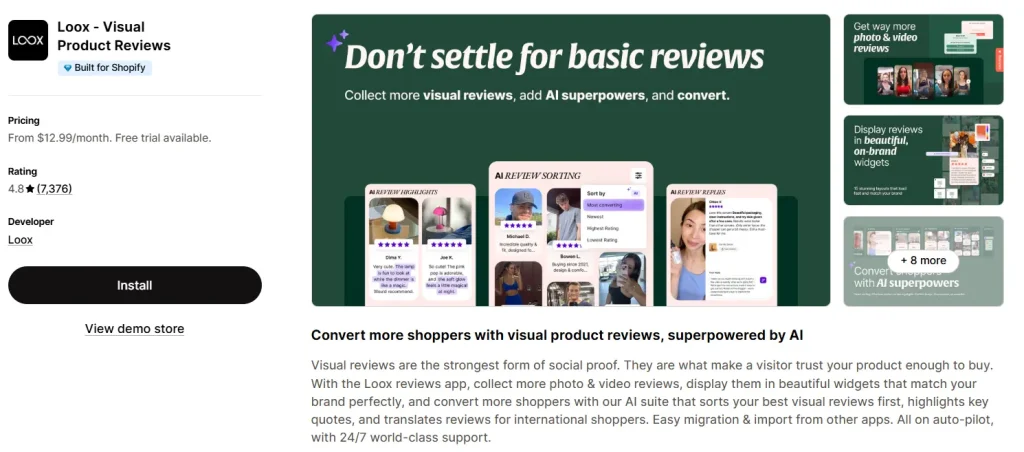
Automatic collecting and displaying photo and video customer reviews.
One of the best Shopify review apps is Loox, which helps online store owners collect and display customer reviews, especially visual reviews with photos and videos. It’s one of the more popular third-party review solutions ideal for e-commerce businesses and brands. The app is useful for sending automatic review requests and helps brands trust and drive sales.
Best features:
- Automated review request emails
- SEO-friendly review display
- Easy integration with Meta Shops, Google Shopping & Search
- Mobile-friendly widgets (e.g., grids, carousels, pop-ups, and sidebars)
- Built-in referrals & upsells
- Import reviews from other review platforms (Judge.me, Yotpo, Okendo, Stamped, etc.)
- Next-purchase discount for photo/video reviews
- Supports multiple languages
Why it stands out in 2026:
- AI-powered optimization (e.g., review sorting, review highlighting, auto-translated reviews, replies, etc.)
- Superior visual-first approach (UGC)
- Integrated referral & marketing tools
- High-conversion features & customization
Pros & Cons of Loox
Pros
- User-friendly widgets like pop-ups & carousels
- Supports easy photo uploads
- Automated review requests & reminders
- Integrations with various themes
- Quick and responsive customer support
Cons
- Limited customization in lower tiers
- Some merchants can’t edit submitted reviews
Shopify Store owner rating:
4.8 stars with more than 7,200 reviews
Pricing:
A Free trial is available. The premium plans are $12.99, $39.99, $99.99, and $299.99 per month with Google Shopping, video reviews, AI features, unlimited review request emails, and more.
19. Yotpo
Best for:
Custom, robust, and strategic retention solution to increase customer lifetime value (CLTV).
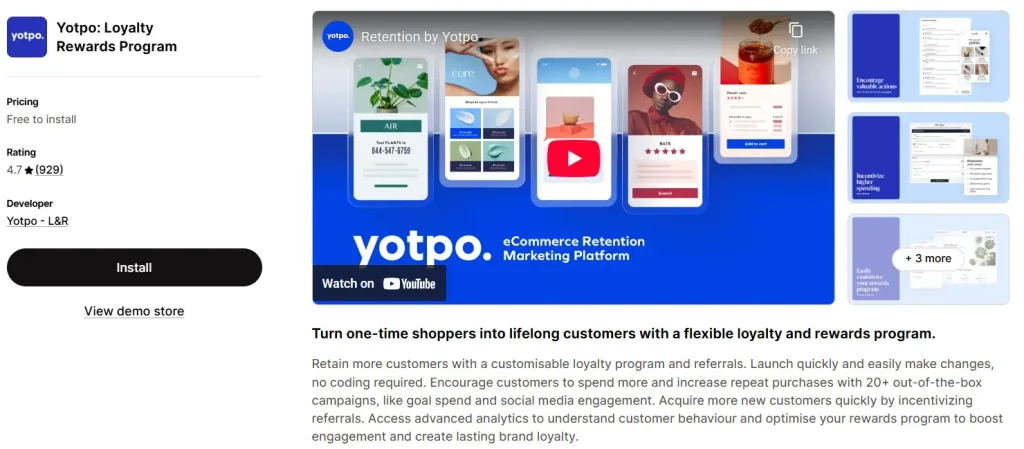
Are you searching for a no-code loyalty & reward programs Shopify app to increase customer retention, encourage repeat purchases, and boost engagement? Yotpo is one of the best Shopify loyalty and reward apps that enhances customer lifetime value (CLV) and boosts brand advocacy via referrals and social sharing. From advanced analytics to seamless checkout redemption and effective referrals, you can turn customers into brand advocates with this app.
Best features:
- On-site loyalty widgets, including rewards panels & custom redemption options
- 20+ pre-built campaigns (e.g., account creation, birthday rewards, etc.)
- VIP tiers & rewards based on spend, points, purchases, or referrals
- Variety of redemption choices (e.g., free shipping, custom experiences, etc.)
- Revenue and engagement tracking
- Integrates seamlessly with Shopify POS, Shopify Flow, 2048 Variants, and more
Why it stands out in 2026:
- Data-driven optimization
- Tailored experiences (e.g., customer behavior, points balance, or referral history)
- Cross-channel synergy & deep integration
Pros & Cons of Yotpo
Pros
- Integrates smoothly across multiple storefronts
- Professional and proactive customer support
- Easy to set up & robust features set
- Customizable loyalty programs
- Offers over 20+ campaign types
Cons
- High cost for advanced features
- Some workflows (like email) can feel inflexible
Shopify Store owner rating:
4.7 stars with more than 910 reviews.
Pricing:
A free plan is available for stores with fewer than 100 monthly orders. The paid plan starts at $199 & $799 per month.
20. Judge.me
Best for:
Unlimited product reviews, Google reviews, star ratings, and testimonials.
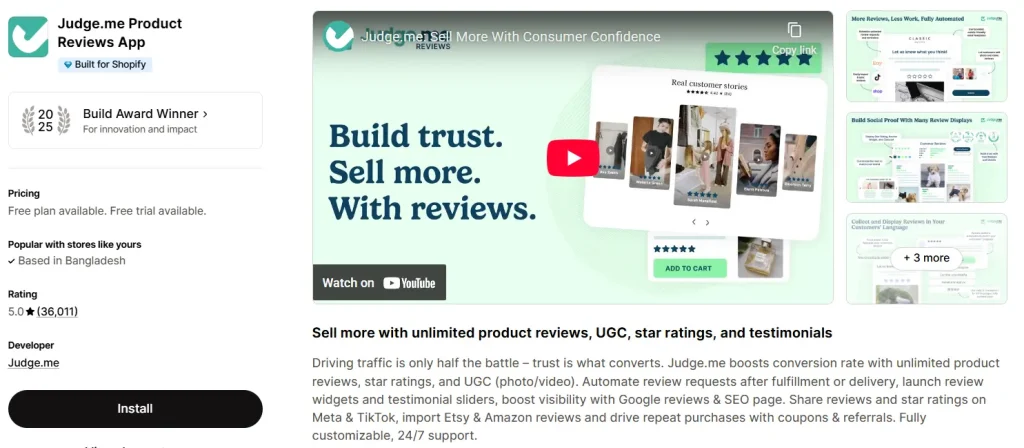
Searching for the best free Shopify app to import reviews from popular review platforms? With the Judge.me Shopify product review app, you successfully import & display unlimited product reviews, Google reviews, star ratings, and testimonials. You can increase sales, show reviews and ratings on Meta & TikTok, and drive reviews with referrals, discount codes, and more.
Best features:
- Unlimited email and SMS review requests, including photo & video
- Highly customizable widgets & carousels
- Automatic & targeted requests based on product delivery
- Rich media & social proof
- Sync reviews to Google Shopping, Meta, Instagram, and TikTok Shop
- Q&A sections, custom forms & in-depth analytics
- Import reviews from Yotpo, Loox, Amazon, Etsy & other platforms
- Integrates seamlessly with many tools (email marketing, helpdesk, etc.)
Why it stands out in 2026:
- Advanced review generation
- High-conversion widgets & SEO-friendly
- Increase conversions with visible social proof
Pros & Cons of Judge.me
Pros
- Affordable paid plan
- Free version is rich with advanced features
- Supports customer reviews with photos & videos
- Boost SEO through Google Shopping integration
- Display star ratings in Google search results
Cons
- Lacks advanced AI-driven features
- Some users find the admin interface a bit complicated
Shopify Store owner rating:
5 stars with more than 34,500 satisfied reviews.
Pricing:
A free plan is available. The paid plan is $15 per month with AI features, advanced collection, Google Shopping, and so on.
Best Shopify apps for social media marketing
Shopify apps for social media marketing are used to automate, streamline, and centralize promotional efforts, allowing merchants to sync product catalogs, manage ads, and enable social selling. Some effective social media marketing Shopify apps are:
21. MetaShop Instagram & Facebook
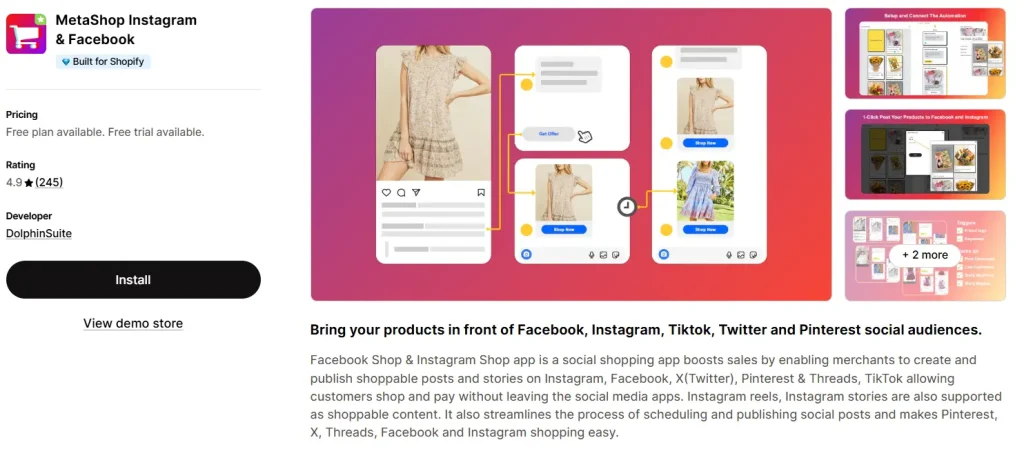
Best for: Boosting impulse buys, increasing product discoverability (especially via Instagram) & driving sales for visually-driven brands.
Are you searching for the best social shopping app to create and publish shoppable posts and stories on different social platforms? The MetaShop Instagram & Facebook is the best Shopify app that promotes your products to several popular social commerce platforms: Facebook, Instagram, X(Twitter), Pinterest, TikTok & Threads. The app also streamlines scheduling and publishing social posts and makes it easy to shop on Pinterest, X, Threads, Facebook, and
Best features:
- Scheduling & automating social media posts
- Shoppable posts & tags for IG reels, stories & feed posts
- Unified commerce manager
- In-app checkout
- Direct customer communication
- AI-powered personalization
- Live shopping, facilitating real-time engagement
- Performance analytics (e.g., product tags, conversion rates & total sales generated)
- Bulk uploading of product catalogs & real-time syncing
Why it stands out in 2026:
- Advanced social shoppable content & automation
- Live engagement & social proof
- Integrated messaging & customer interaction
- Multiple account support & centralized dashboard
Pros & Cons of DS: Facebook & Instagram Shop
Pros
- High reach & visibility
- Unified shop across Facebook & Instagram
- Direct customer interaction
- Integrated inshigns & ads
- Easy to set up & manage
Cons
- Reduced organic reach
- Limited customer data & control
- Limited customization
Shopify Store owner rating:
4.9 stars with more than 200 reviews.
Pricing:
Free trial available. The paid plan starts at $9.99, $18.99, and $26.99 per month.
22. Outfy – Social Media Auto Post
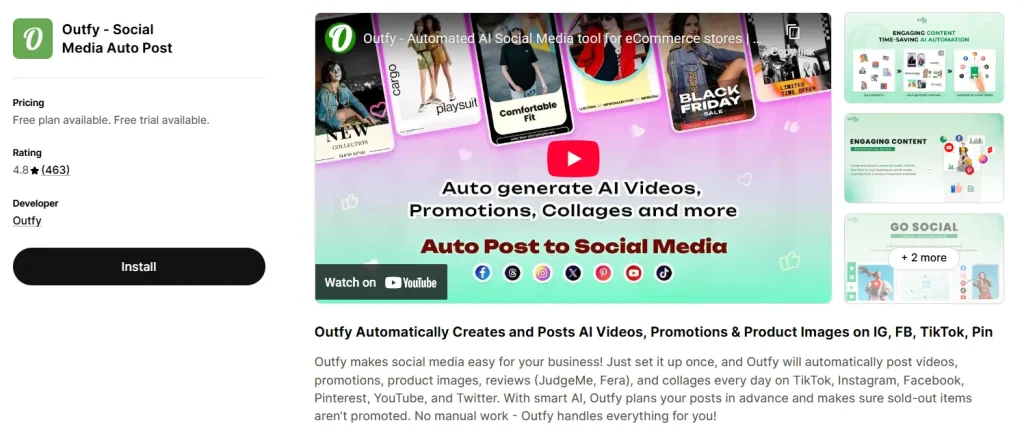
Best for: Automating social media marketing across IG, TikTok, FB & Pinterest.
Are you a small to medium Shopify store owner or a busy e-commerce merchant looking for the best automated social media marketing Shopify app? Outfy is the best Social Media Auto Post app for scheduling, creating promotional collages, generating AI-powered videos/reels, and maintaining consistent posting schedules.
Best features:
- The “Autopilot” feature automatically creates & posts promotional content
- Auto-posting to different social media platforms
- AI captions & hashtags (e.g., multilingual captions, trending hashtags, and emojis)
- Smooth integration with Canva, JudgeMe, Fera, GIPHY, and Tenor
- Free Live demo with a Customer Success Manager
- Promotion & review management for sharing customer reviews
Why it stands out in 2026:
- Allows merchants to focus on products, customer service & growth strategies
- Provides AI-generated captions & trending hashtags to boost engagement
- A consistent cross-channel presence increases visibility
- High-frequency & engaging videos
Pros & Cons of Outfy
Pros
- Engaging & creative content creation
- Multi-platform support across multiple networks
- User-friendly interface
- Works well with Shopify & Etsy for importing product data
- Saves time with automatic social post creation
Cons
- Some users experience limited customization on Autopilot
- May lack in-depth performance analytics
- The free plan is limited to advanced features
Shopify Store owner rating:
4.8 stars with more than 400 reviews.
Pricing:
Free trial available. The paid plan starts at $20, $40, and $70 per month with AI captions & hashtags, AI-powered videos, promotions, and product reviews.
23. Recart: SMS & List Growth
Best for:
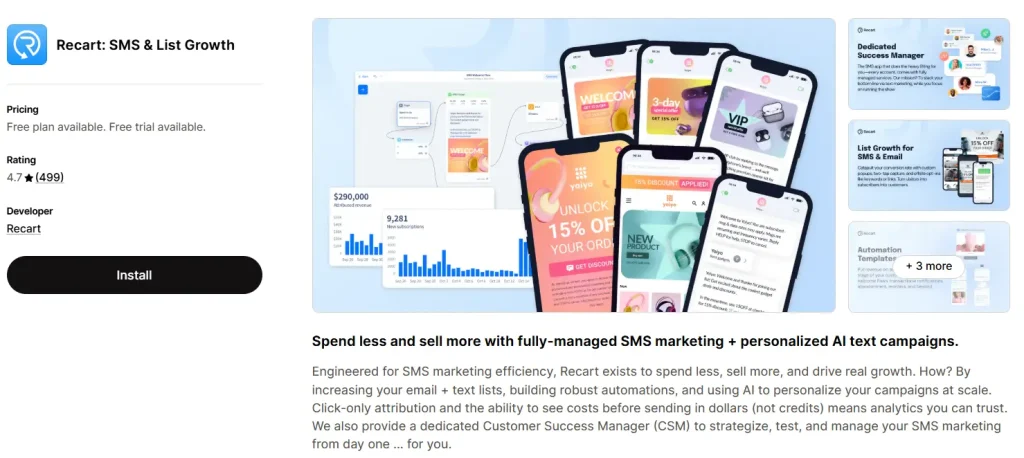
SMS marketing & personalized AI text campaigns.
Do you want to create highly engaging SMS campaigns and automated SMS flows? Or, searching for the best SMS marketing software to turn subscribers into loyal repeat customers? The Recart is the best fully-managed SMS marketing & personalized AI text campaigns Shopify app. The app combines list-building tools, automation workflows, and analytics. From collecting SMS and email subscribers using
Best features:
- Exist-intent pop-ups & keyword-based SMS opt-ins
- Automated SMS workflows (e.g., abandoned carts, welcome series, win-back campaigns, etc.)
- Real-time personalized two-way SMS interactions (customers & agents)
- Built-in TCPA and GDPR compliance management
- Track ROI, click-through rates, and SMS delivery metrics
- Utilizes purchase history & browsing behavior to increase conversion rates
Why it stands out in 2026:
- AI-powered personalization & automation are revolutionary trends
- Specialized for the Shopify ecosystem & e-commerce
- Integrated multi-channel experiences (e.g., SMS, combined popups, and email)
- Reduce reliance on expensive advertising & maximize LTV
Pros & Cons of Recart
Pros
- High-converting pop-ups
- Strong abandoned cart recovery (SMS & Messenger)
- Ease of use is best for non-technical users
- Conversational AI & personalization
- Email retargeting & automated campaigns
Cons
- Expensive than alternatives
- Some users experienced limited advanced automation
Shopify Store owner rating:
4.7 stars with more than 500 reviews.
Pricing:
Free to install. The paid plan starts at $299 per month with advanced segmentation, triggered reminders, international texting, and so on.
Best Shopify apps for SEO
Shopify SEO apps are useful for automating, streamlining, and enhancing the visibility of online stores, and they improve search rankings. From technical SEo tasks to speed optimization or AI image optimization, there are different Shopify SEO apps available, such as –
24. Tiny SEO Speed Image Optimizer
Best for:
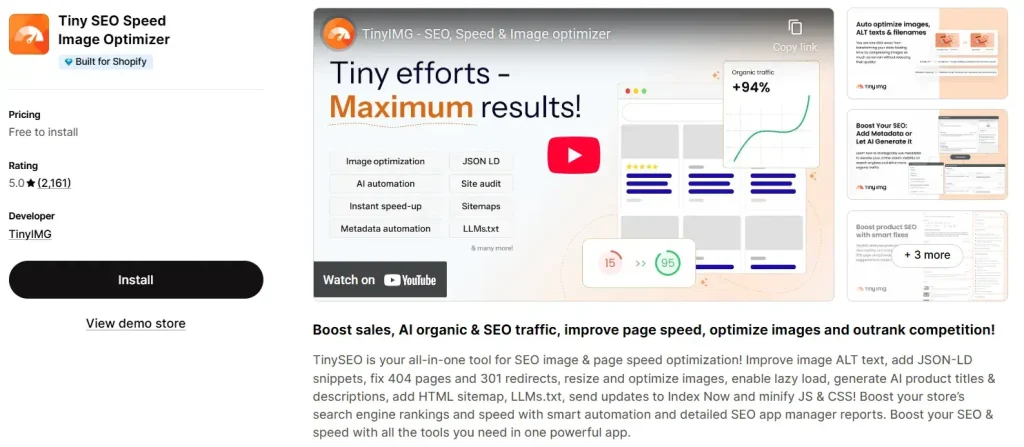
Automatic image optimization, SEO rankings & improve page loading speed.
As a top-rated, all-in-one Image SEO optimizer designed to boost store performance and search rankings. It features AI-powered meta tag generation, image compression/resizing, broken link handling (404/301 redirects), and JSON-LD structured data to increase organic traffic. In essence, with this app, you can boost sales, SEO, and AI-driven organic traffic, and outrank the competition.
Best features:
- Automatic image resizes, compresses, and converts (like WebP)
- Manages technical SEO and adds HTML sitemaps
- AI product titles & descriptions
- Detailed SEO app manager reports
- Generates keyword-rich meta descriptions
- Integrate with Shopify themes
- Optimizes bulk images effectively
Why it stands out in 2026:
- Turns store speed into a long-term traffic generator
- Ensure a better shopping experience via high-res product images
- AI-powered automation saves merchants time
- Lazy loading and script control reduce third-party app load times
Pros & Cons of Tiny SEO
Pros
- Reduces file sizes without affecting image quality
- User-friendly interface & easy to navigate
- Fast, helpful, and personalized support
- Doesn’t make themes messy or slow
- Automated alt text generation & sitemap optimization
Cons
- Users faced difficulties with subscriptions
- The free plan has functionality restrictions
Shopify Store owner rating:
5 star ratings with more than 2,000 reviews.
Pricing:
Free to install. Paid plans start at $14, $23, and $96 per month, with advanced SEO optimization features.
25. SEOWILL: AI SEO & AI Blog Post
Best for:
E-commerce merchants needing to boost SEO, improve speed, and automate content creation.
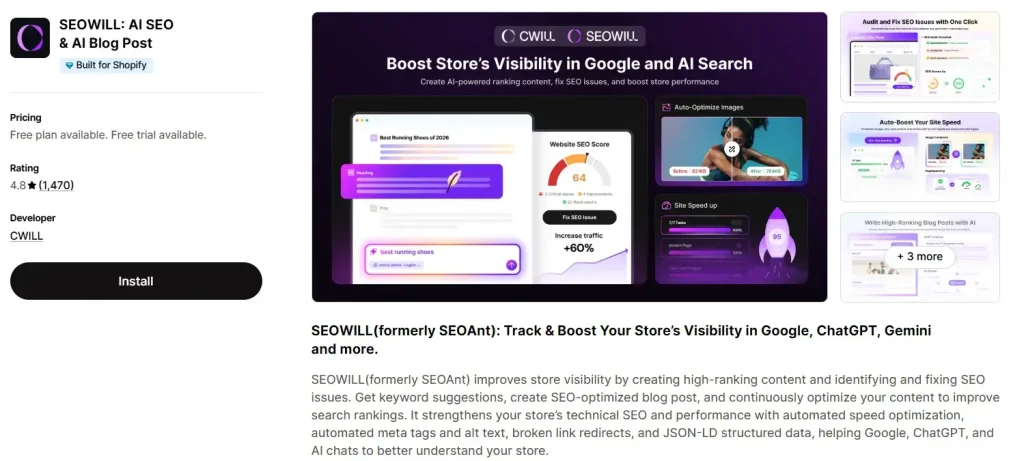
Are you searching for the best SEO app for Shopify? SEOWILL (formerly SEOAnt) is one of the most effective apps to improve your store’s visibility through high-ranking content and fixing SEO issues. From keyword suggestions to technical SEO, performance with automated speed optimization, AI chats, and SEO-optimized blog posts, all SEO best features in one app.
Best features:
- SEO checker (scan & fix SEO issues)
- Keyword suggestions & create blog posts with AI
- Speed up pages with impaired compression, lazy loading
- Scan on-page SEO & optimize SERP-driven insights
- Auto-redirect broken link (Add JSON-LD)
- Auto-generate alt text & meta tag
- Backlink exchange & AMP page support
- Integrates Judge.me, Loox, Trustoo.io, Google Search Console, and more
Why it stands out in 2026:
- Combine traditional SEO with AI-powered content
- SEO checker & site audit
- Technical SEO automation
- User-friendly insights for non-experts
Pros & Cons of SEOWILL
Pros
- Increase search visibility and website speed
- User-friendly dashboard & SEO checker
- Responsive & effective customer support
- Improve performance & UX
- On-page optimization recommendations
Cons
- Some users face difficulties in image optimizer
- AI content isn’t guaranteed SEO win
Shopify Store owner rating:
4.8 star ratings with more than 1,300 reviews.
Pricing:
Free plan & Free trial available. The paid plan costs $29.99 per month and $59.99 per month with advanced page speed optimization, structured data markup, and more.
Free vs. Paid: How to Choose the Right Shopify Apps for Your Store?
To choose the right Shopify apps for your Shopify store, prioritize one that directly impacts revenue, enhance customer experience, and improve overall store operations. Here are key factors to consider before investing in paid apps or using the free ones:
Define your store’s needs:
Create a priority list of features so you can evaluate apps against real needs. For example, before choosing a free or paid app, ask yourself:
- What specific feature does your store require? (e.g., email marketing, reviews, upsells, product customization, etc.)
- Is this a short-term need or a long-term operation?
- Will this app help to increase sales or reduce workload?
Free vs Paid: when to choose one:
As you know, most of Shopify’s apps offer a “Free Trial” or “Free to Install.” Also, comes with paid plans. So, here is a kick: the free Shopify apps are best for:
- Starting with a limited budget
- Testing core features
- Fulfill simple or basic store needs
- No upfront cost
On the contrary, the paid Shopify apps are best for:
- Established stores
- Scaling with automation
- Full advanced feature set
- Regular updates and integrations
How to evaluate an app:
When comparing free and paid apps, consider several factors, including:
- Features: Are premium features necessary? Are there any unique advanced features over free features?
- Ease of use: Are setup and onboarding smooth?
- Support & documentation: Free apps often have limited support, but paid ones usually offer dedicated expert help.
- Strong integration: Support different Shopify themes and work seamlessly without friction.
- Built-in automation: Shopify apps with built-in automation reduce manual work and are essential for inventory management, order tagging, and marketing campaigns.
- Transparent, fair pricing: Small merchants can’t afford enterprise pricing. So, flexible pricing is required for all types of businesses.
Return on investment (ROI):
Will this app help you sell more? Will it save time or reduce costs?
Compatibility & performance considerations:
Does the app slow down site speed? Conflict with your current themes or other apps?
Go through all these key factors before deciding between free and paid apps. Also, ensure you review the developer notes to acknowledge the app’s functionalities properly and avoid common mistakes that we’ve discussed in the next section.
Mistakes to Avoid When Selecting Shopify Apps
Key mistakes you should avoid when selecting Shopify apps include:
- Install too many apps: Installing too many apps, especially in the early stages, can slow down your online store, ruining user experience, and negatively affecting SEO.
- Neglecting site speed: Every app adds code (CSS/JS) to your theme. So, before installing, test if the app slows down your site.
- Ignoring mobile users: Over 70% of online shoppers are mobile users, yet many apps are not properly optimized for smaller screens, leading to broken layouts.
- Overlooking app customer support: Poor customer support from app developers or technical teams is a red flag for merchants.
- Not testing demo store: Without testing the app’s demo store, merchants sometimes install the app directly on their live site and experience several bugs.
- Not removing unused apps: Leaving inactive apps installed negatively impacts your store’s performance.
- Ignoring subscription costs: Too many paid apps can charge a high monthly overhead without a guaranteed return on investment.
So, to keep your store functional, user-friendly, and device-responsive, avoid these pitfalls when selecting suitable Shopify apps. Read reviews, test the demo store, and keep the store minimal. For effective Shopify app suggestions, join the Shopify Merchants Community.
wrapping things up
Shopify apps unlock new features, ease your business operations, and help to improve customer experience to boost revenue. The best part: most apps offers free plan & trial, helping you to grow and test without investment.
The 25 best Shopify apps highlighted above cover marketing, dropshipping, conversion, customer experience, operations, SEO, and even social impact. All of these apps are popular and feature-rich to improve your overall sales and grow your business. Visit the Shopify App Store to explore more and find the right mix of tools & pricing!
Faq’s: Best Shopify Apps for Store Owners
Can I use only free Shopify apps?
Yes, you can use only free Shopify apps to build and run a functional online store, leveraging built-in features.
How many apps should a store owner use?
A store owner should use as few apps as necessary, often starting with 4-5 core apps for essentials like store design/customization, store management, marketing, and analytics.
How do I choose which Shopify apps to install?
To choose Shopify apps, first define your needs (e.g., SEO, email marketing), then search the Shopify app store for the best app, and choose one (must prioritize high ratings, positive reviews, and build for Shopify badge).
Do free Shopify apps affect site speed?
Shopify free apps might affect site speed, or work perfectly; it depends on how the app is built and what it does. Some free apps add code, scripts, and assets that increase page load times. So, it’s ideal to install only the necessary ones.
What apps are a must for Shopify?
The must-have Shopify apps are:
Marketing (email, SMS marketing, SEO, social ads, product reviews apps)
Sales tools (upsells, subscriptions, live chat apps)
Operations (shipping, inventory, analytics)
However, the right apps depend on your store’s size, products, and business goals.
[…] product personalization, shipping, reviews, up-sells, SEO, and more. You can also choose the best Shopify apps to help your store grow and save you […]